Assessment Overview
Find assessments and review movement analysis results.
- 1
Click 'Start Assessment' to run an assessment with the client
- 2
Click 'View History' to see all previous assessments
- 3
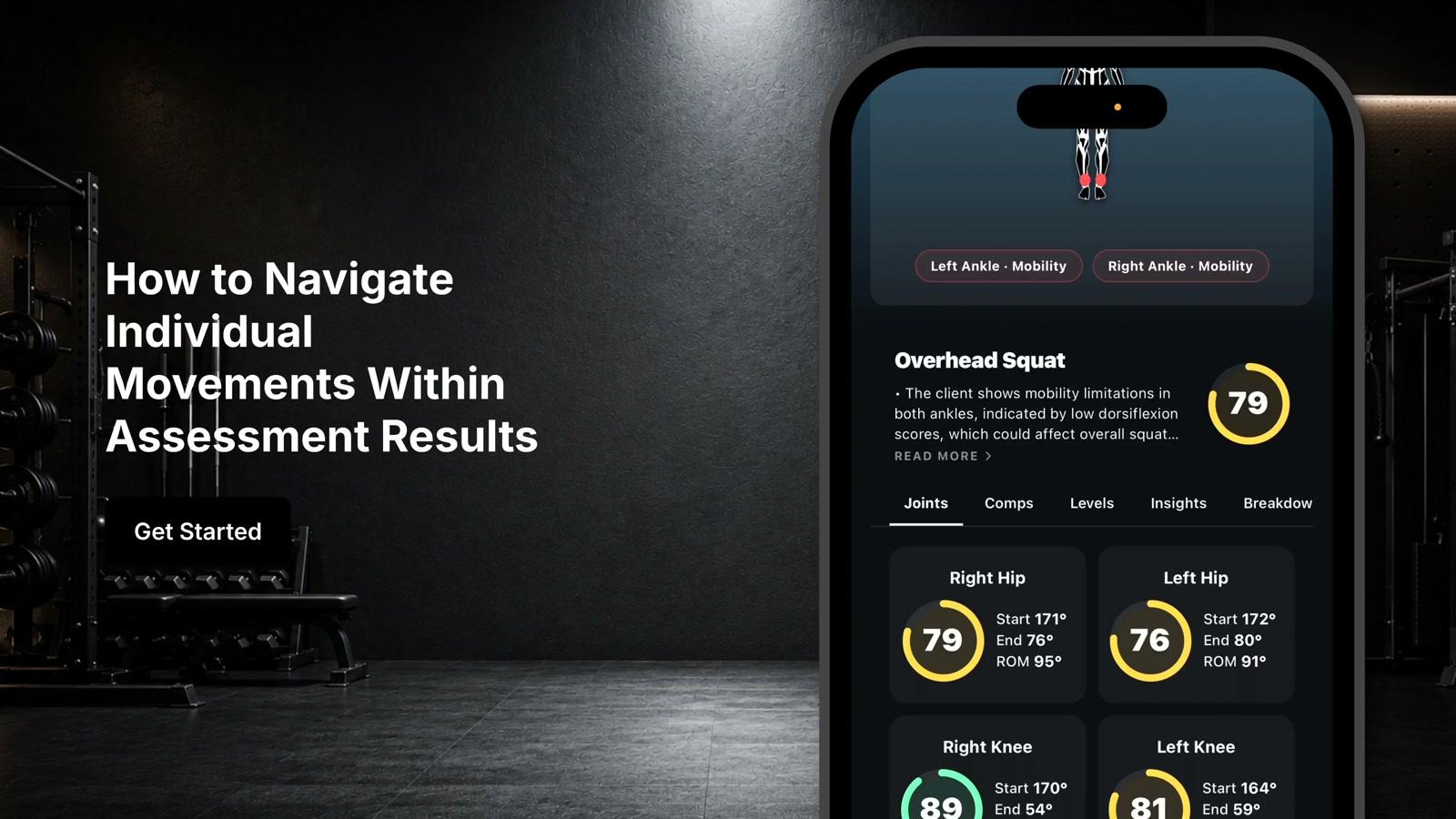
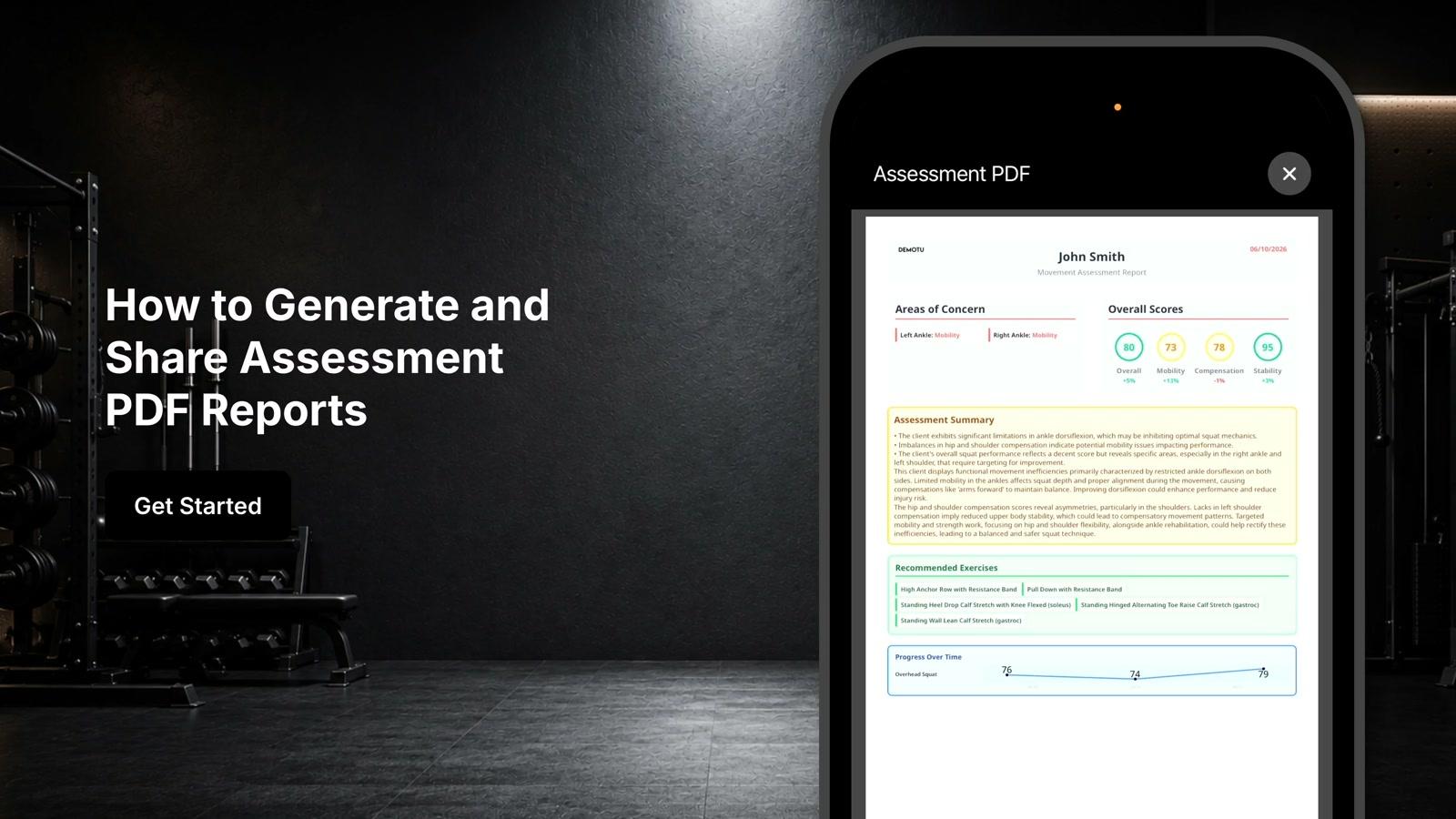
Click into an assessment to view the assessment report
- 4
Click 'Edit Assessment' to modify or delete assessments
- 5
Click the back button to return
- 6
Click on 'Sign Remote Assessments' to access two buckets: Joint Comparison and Functional Movement Assessments
- 7
Click 'Assign' to assign a joint comparison to the client
- 8
Click 'Assign' to assign a functional movement assessment to the client
- 9
Click 'Progress Report' to view the client's previous results
- 10
View overall scores, compensation scores, mobility scores, and stability scores in the progress report
- 11
View functional or joint comparison averages for all movements completed
- 12
View specific movement results: jump squat, standard squat, balance, pushes, lunges, and hinges
- 13
Click 'Default' dropdown to view default settings, first 10 assessments, or last 10 assessments