Update Your Profile
Update your profile picture and profile information.
Runtime1:45
Walkthrough8 steps
Step-by-step8 steps
- 1
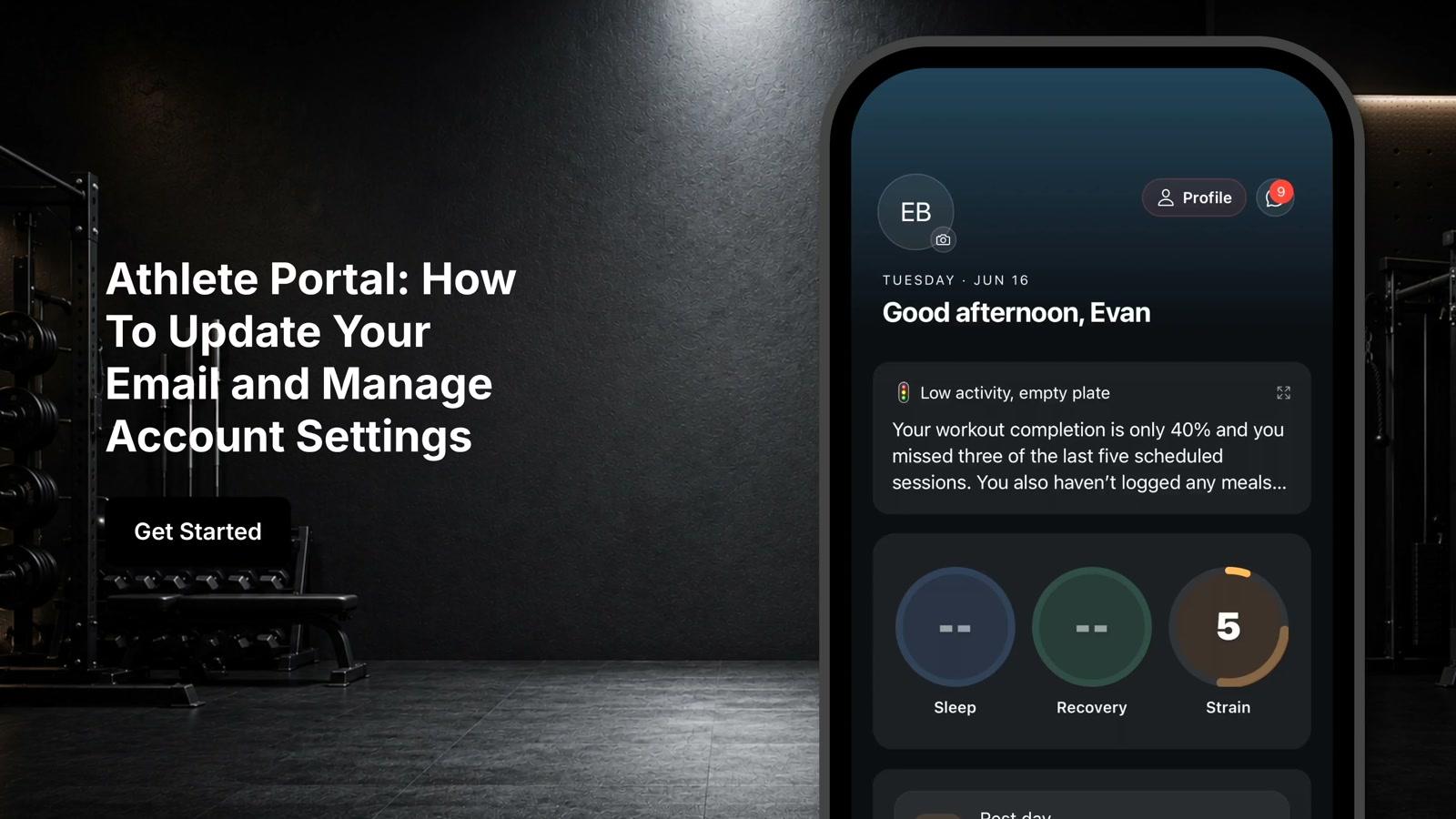
From the home screen, tap the camera icon in the lower right corner of your profile picture
- 2
Take a new photo or select an existing photo from your device's gallery
- 3
Tap the profile icon in the upper right corner of the screen
- 4
Tap the edit button to make updates to your profile
- 5
Update your profile information including short-term and long-term goals, weight and body metrics, injury and medical history, lifestyle information, testing and performance data, and psychological and wellness information
- 6
Tap customize in equipment preferences to adjust your available equipment list
- 7
Select what equipment you have access to
- 8
Scroll to the top of the page and tap save to store your changes