Use Messaging
Open messages and communicate with your coach.
Runtime1:11
Walkthrough7 steps
Step-by-step7 steps
- 1
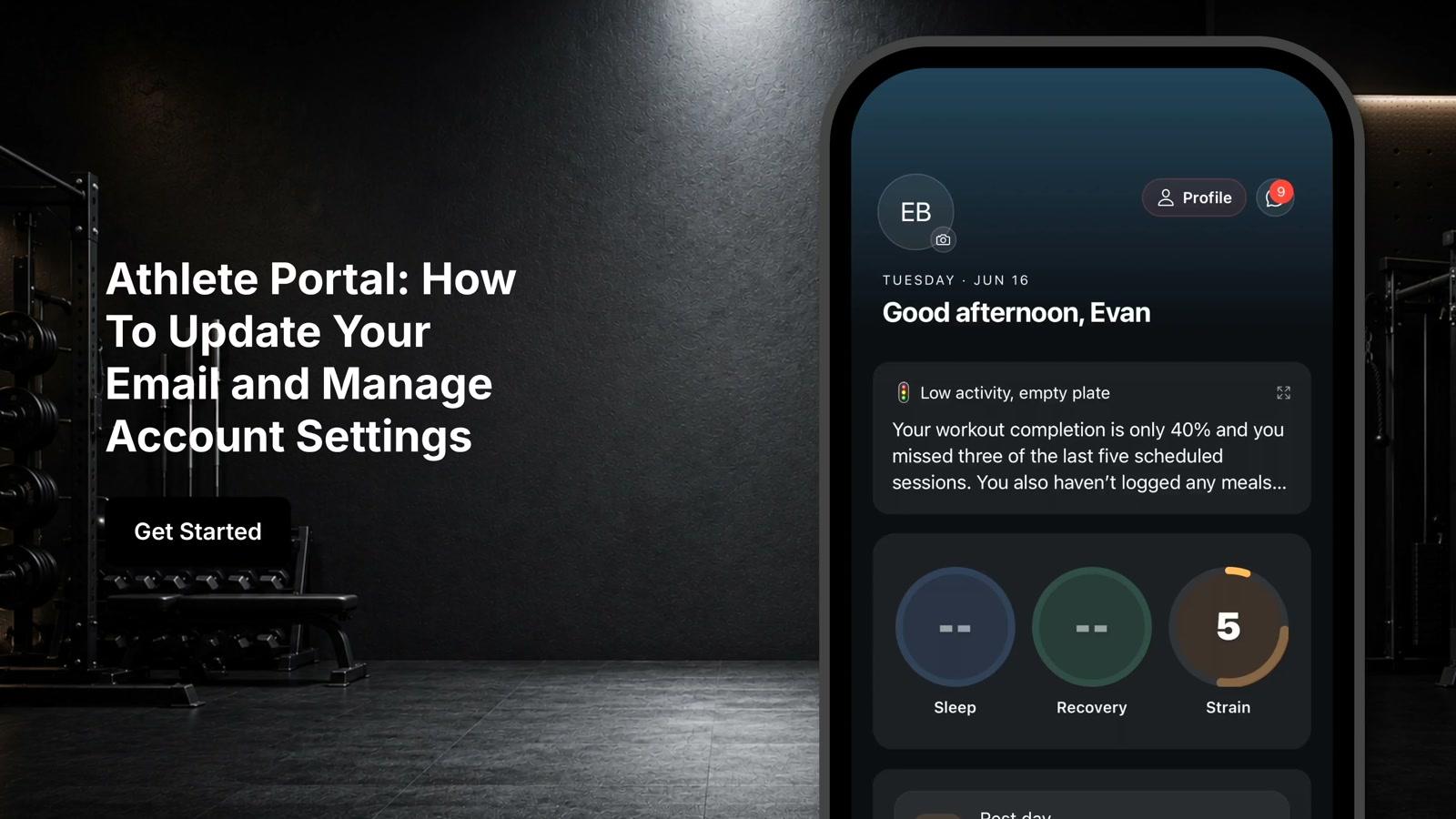
Tap the message icon in the upper right corner of the screen
- 2
View all conversations including direct messages with your coach or trainer and group messages
- 3
Tap the message input field to begin composing a message
- 4
Type your message in the text field at the bottom of the screen
- 5
Tap Send to deliver your message
- 6
Tap the plus icon next to the message field to share additional information
- 7
Take a photo, upload a photo or video from your device, or attach a document as needed