Log a Meal in the Nutrition Tracker
Log a meal and track your nutrition.
Runtime1:38
Walkthrough11 steps
Step-by-step11 steps
- 1
Tap the Apple icon in the bottom navigation bar
- 2
Tap 'Log' next to the meal type
- 3
Click the search bar to find foods, ingredients, or recipes
- 4
Choose a food from the results
- 5
Adjust the serving size as needed
- 6
Tap 'Save'
- 7
Alternatively, use the barcode scanner to scan foods and automatically pull in details
- 8
Adjust the portion size from the barcode scan
- 9
Press 'Save'
- 10
Tap the 'Log 2 Foods' button to log all selected foods
- 11
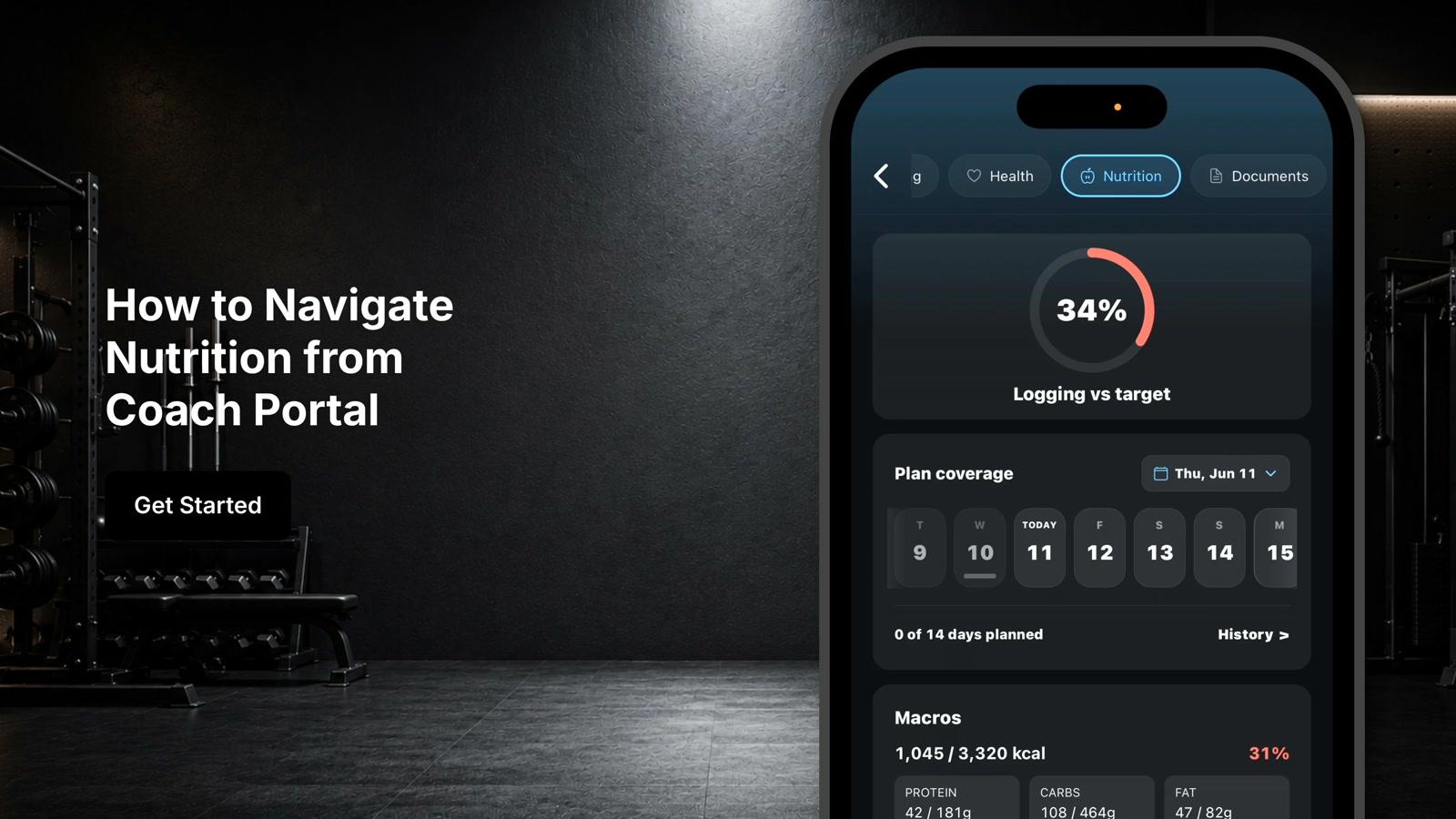
View the dashboard update with calorie and macronutrient totals and personalized insights