Find and Log Your Workouts
Find your assigned workouts and log them as you train.
- 1
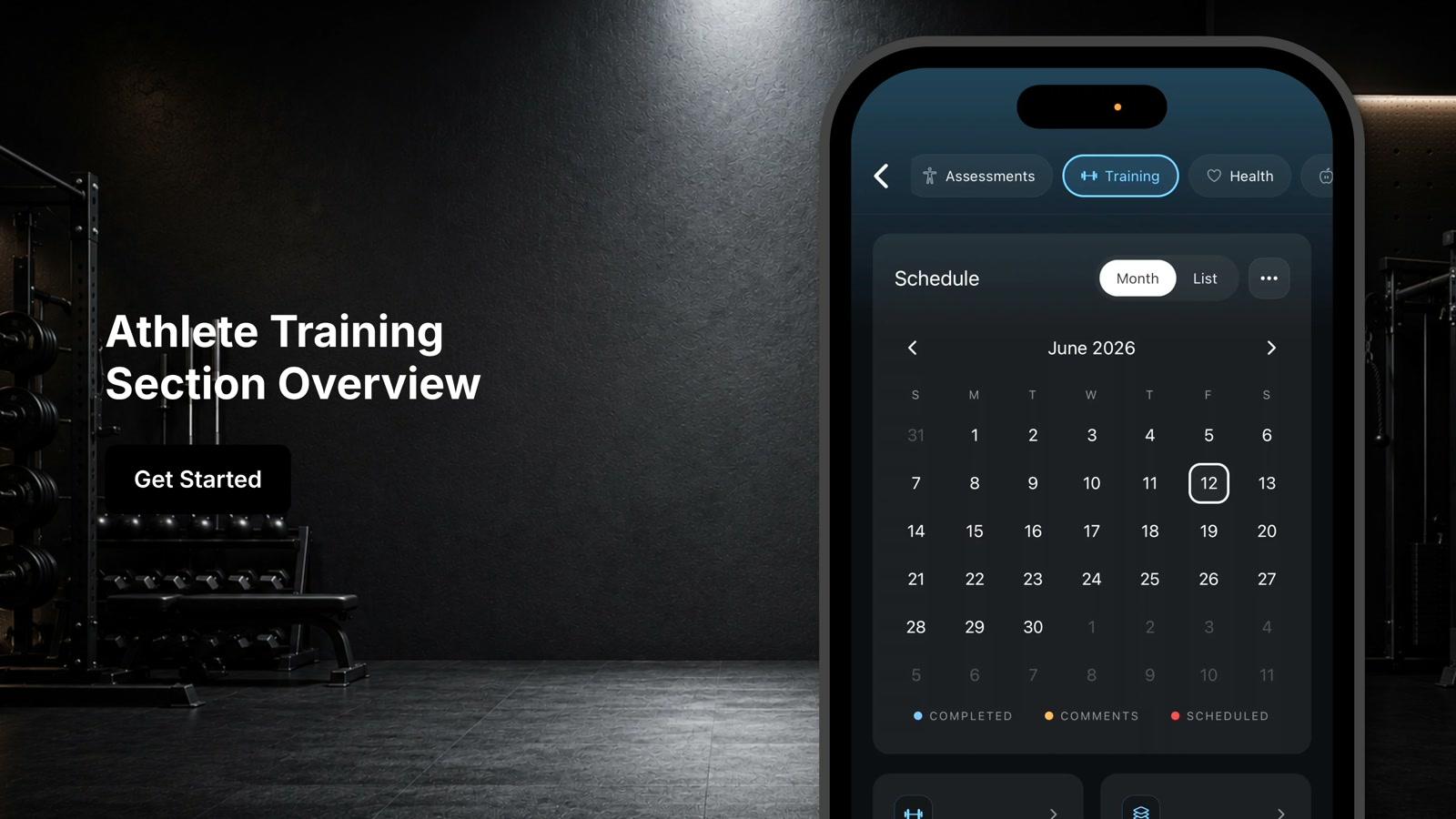
Tap the dumbbell icon in the bottom navigation bar to access the training tab
- 2
Review the Borelli AI summary at the top for key trends and insights from your training activity
- 3
Switch to list view by tapping list if you prefer that view over calendar view
- 4
Tap the date on your calendar to open a workout
- 5
Review the workout overview including assigned exercises, sets, reps, prescribed loads, and workout sections
- 6
Tap start workout to begin your session
- 7
Tap tap to log next to each set and enter the details
- 8
Tap log set to record each completed set
- 9
Tap the comment icon to add tips or personal notes about an exercise if needed
- 10
Tap the multi-directional arrow icon to swap a workout using the exercise library if needed
- 11
Tap pause to temporarily stop the workout timer if needed
- 12
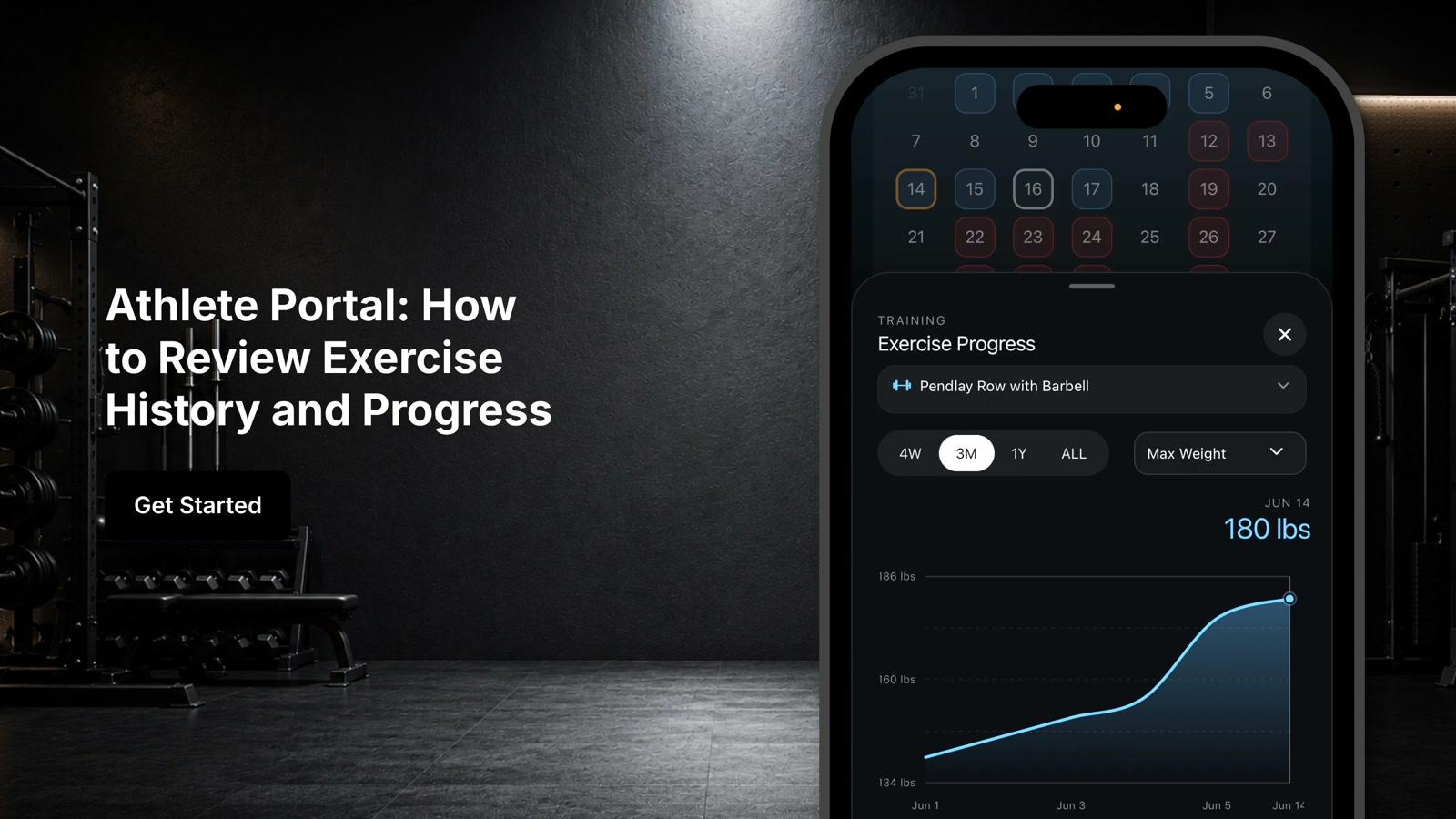
Tap history to view the history of your logged sets
- 13
Work through the workout by logging each set as you complete it
- 14
Tap finish workout to save the session once all exercises and sets are complete
- 15
Verify the workout was successfully recorded when the workout date turns blue