Review Workouts and the Exercise Library
Review workout summaries, browse the exercise library, and find workouts.
Runtime1:08
Walkthrough8 steps
Step-by-step8 steps
- 1
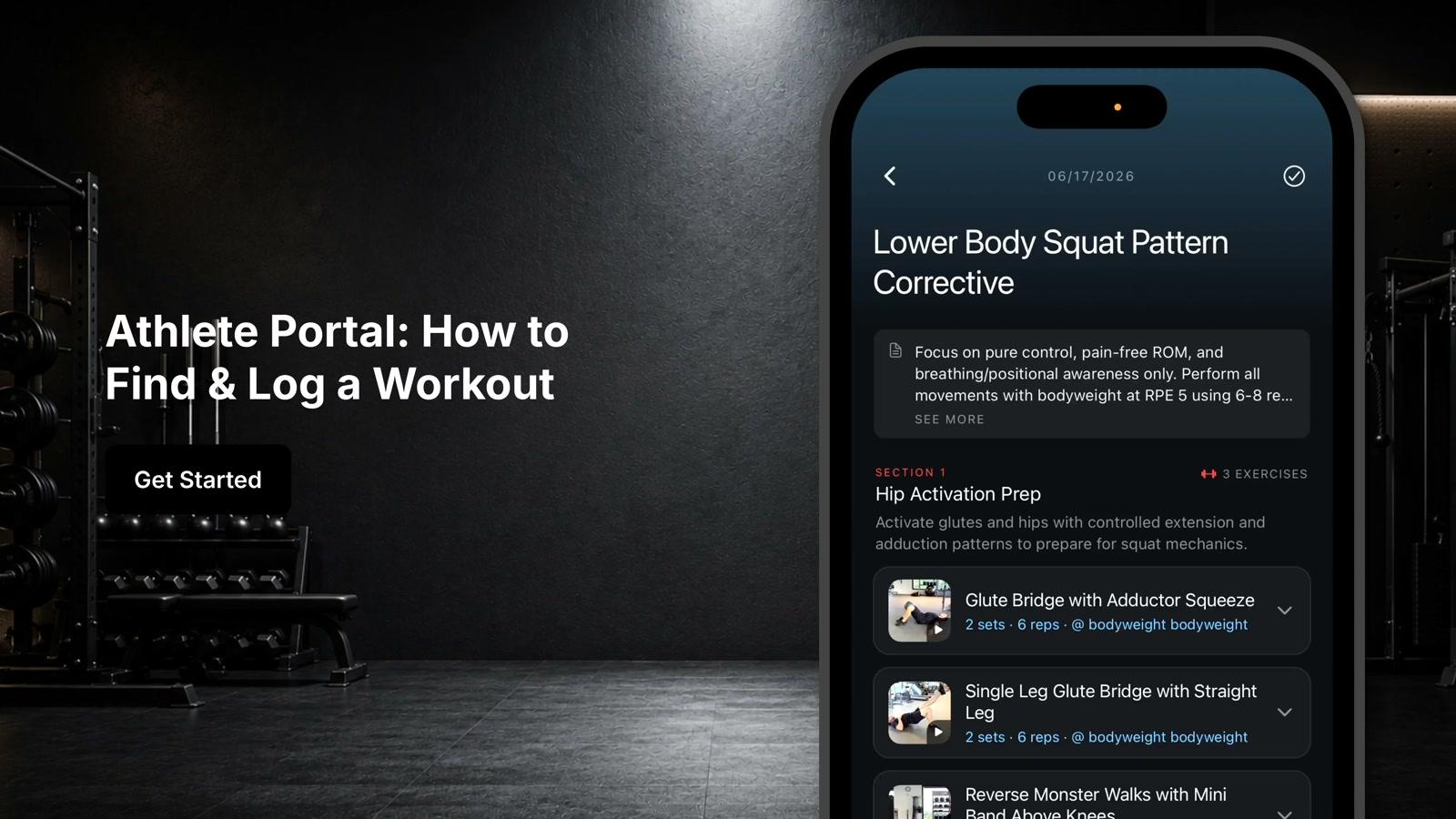
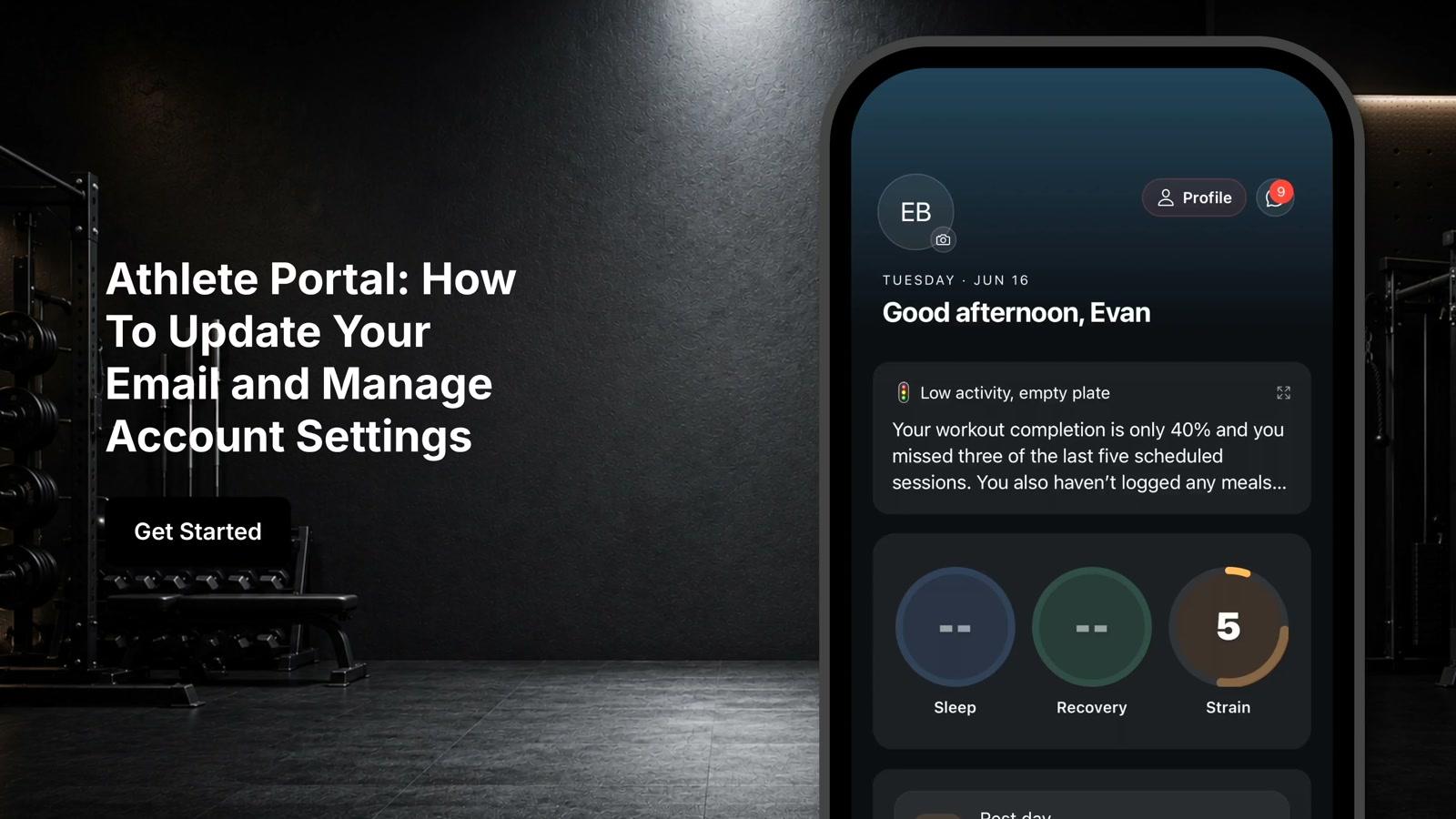
View your workout summary on the main screen to check if a workout is scheduled
- 2
Tap Browse Library to access the exercise library
- 3
Search for exercises in the library
- 4
Click on individual exercises to watch demonstration videos
- 5
Review exercise instructions for each movement
- 6
Tap the barbell icon at the bottom of the screen to access the workout section
- 7
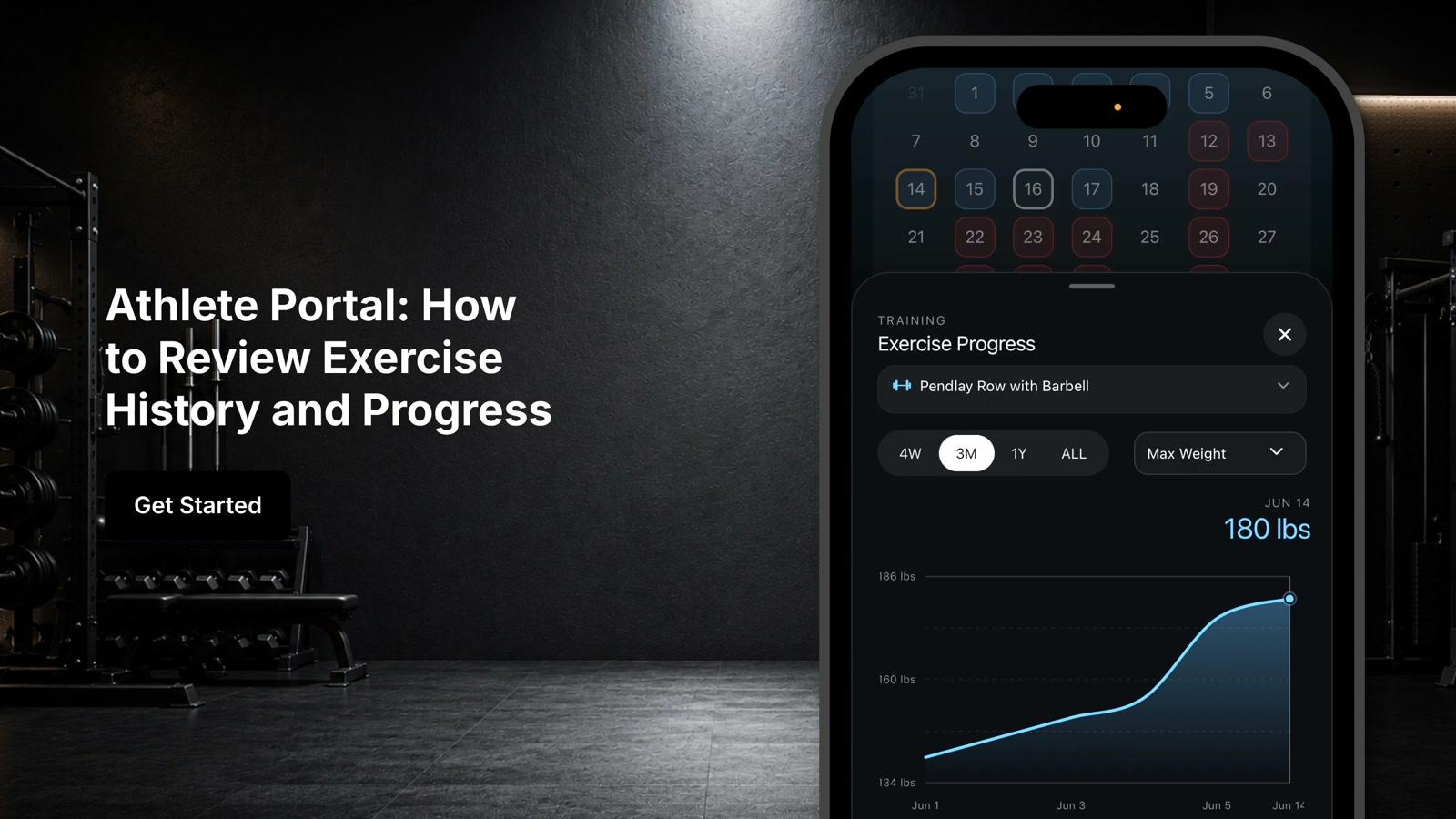
View your training calendar to see all scheduled workouts
- 8
Select a workout from the calendar to view its details and begin your training session