Tracked Sessions and Exercise Progress
Review tracked sessions and exercise progress.
Runtime1:43
Walkthrough6 steps
Step-by-step6 steps
- 1
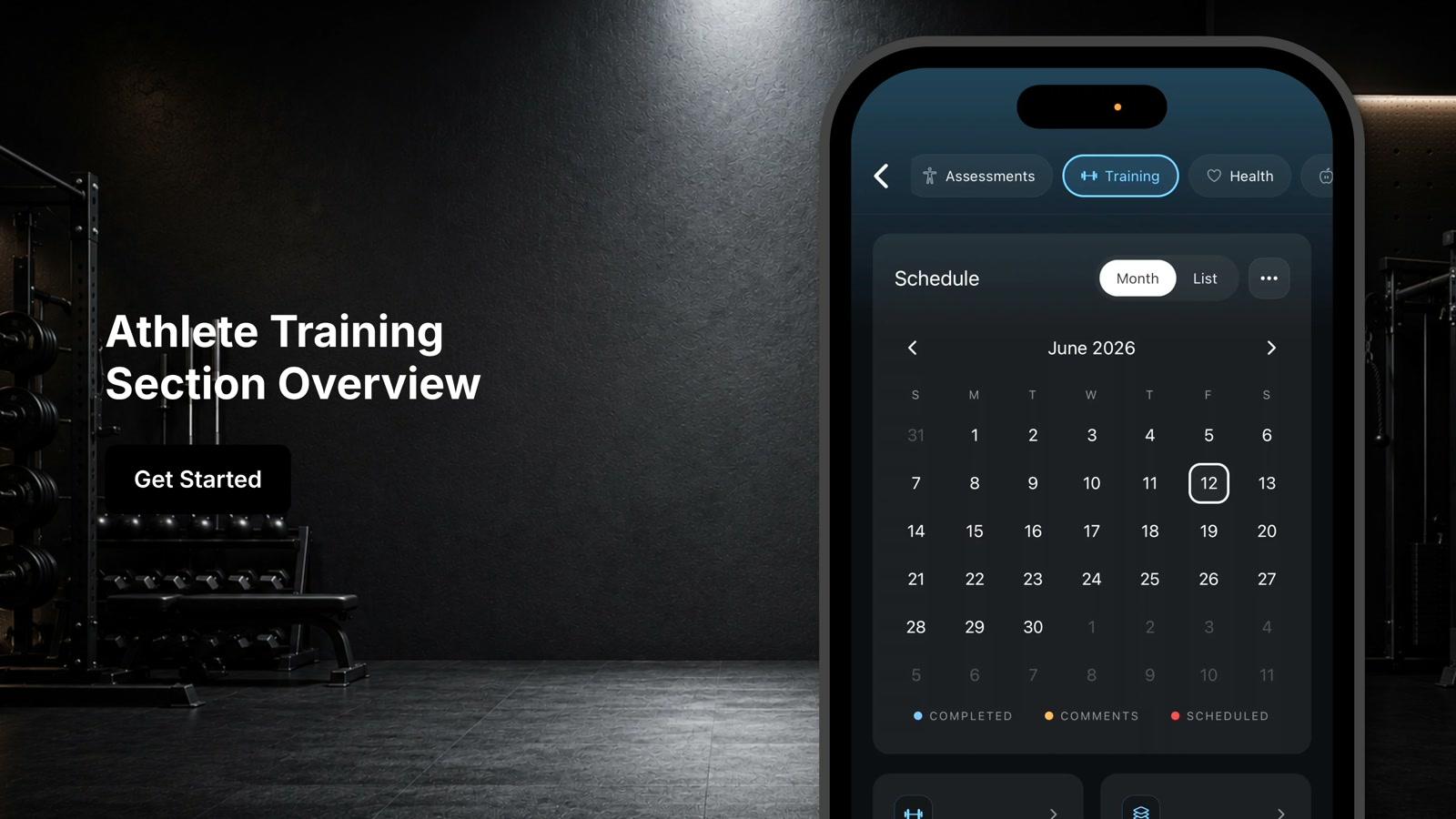
From the athlete training tab, scroll down to the bottom where it says 'Track Sessions'
- 2
Select the day that you want to view
- 3
Review session duration, calories burned, heart rate data, and other performance metrics
- 4
Tap exercise progress
- 5
Tap the drop down to choose which exercise you'd like to review
- 6
Select from the different options in the drop down to change the metric displayed in your progress chart