Training Overview
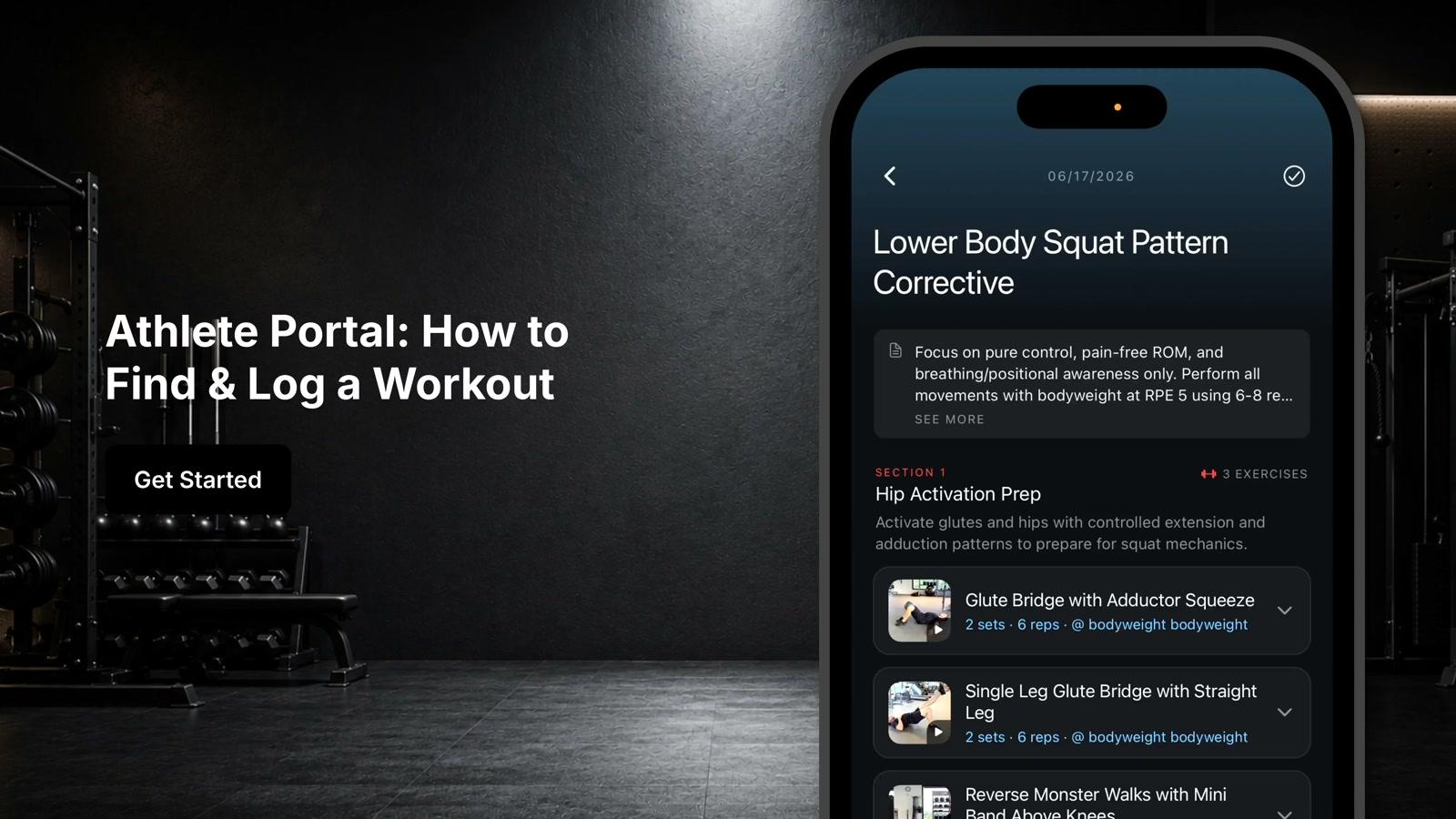
Find assigned workouts, programs, and training progress.
Runtime1:45
Walkthrough8 steps
Step-by-step8 steps
- 1
Select your athlete and switch to the training tab
- 2
View your athlete's training schedule in the training hub
- 3
Switch to list view to see workouts in chronological order
- 4
Switch to month view to get an overview of the training calendar
- 5
Click the three dots to access options like notifying a client about a workout, applying a template, or deleting workouts
- 6
Review blocks (shorter training cycles lasting 2-12 weeks) and programs (longer-term plans lasting 6-12 months made up of multiple blocks)
- 7
View additional workout sessions tracked and synced from connected wearable devices
- 8
Check exercise progress to track an athlete's performance over time on specific exercises and monitor trends