Nutrition and Logging Meals
Log meals and use nutrition features.
- 1
Access the Nutrition tab by scrolling to it at the top of the home screen or tapping the Apple icon at the bottom
- 2
View your nutrition summary at the top of the Nutrition page to see daily calories and macros
- 3
Use the date selector at the top to review nutrition data for different days
- 4
Tap the icon to chat with Borelli, your AI assistant, for nutrition guidance and answers
- 5
Click the X button to exit the chat
- 6
Tap the weight check-in section to log and track your body weight over time
- 7
Scroll down to view meal plans assigned by your coach or trainer
- 8
Tap plus log under the meal you want to add foods to
- 9
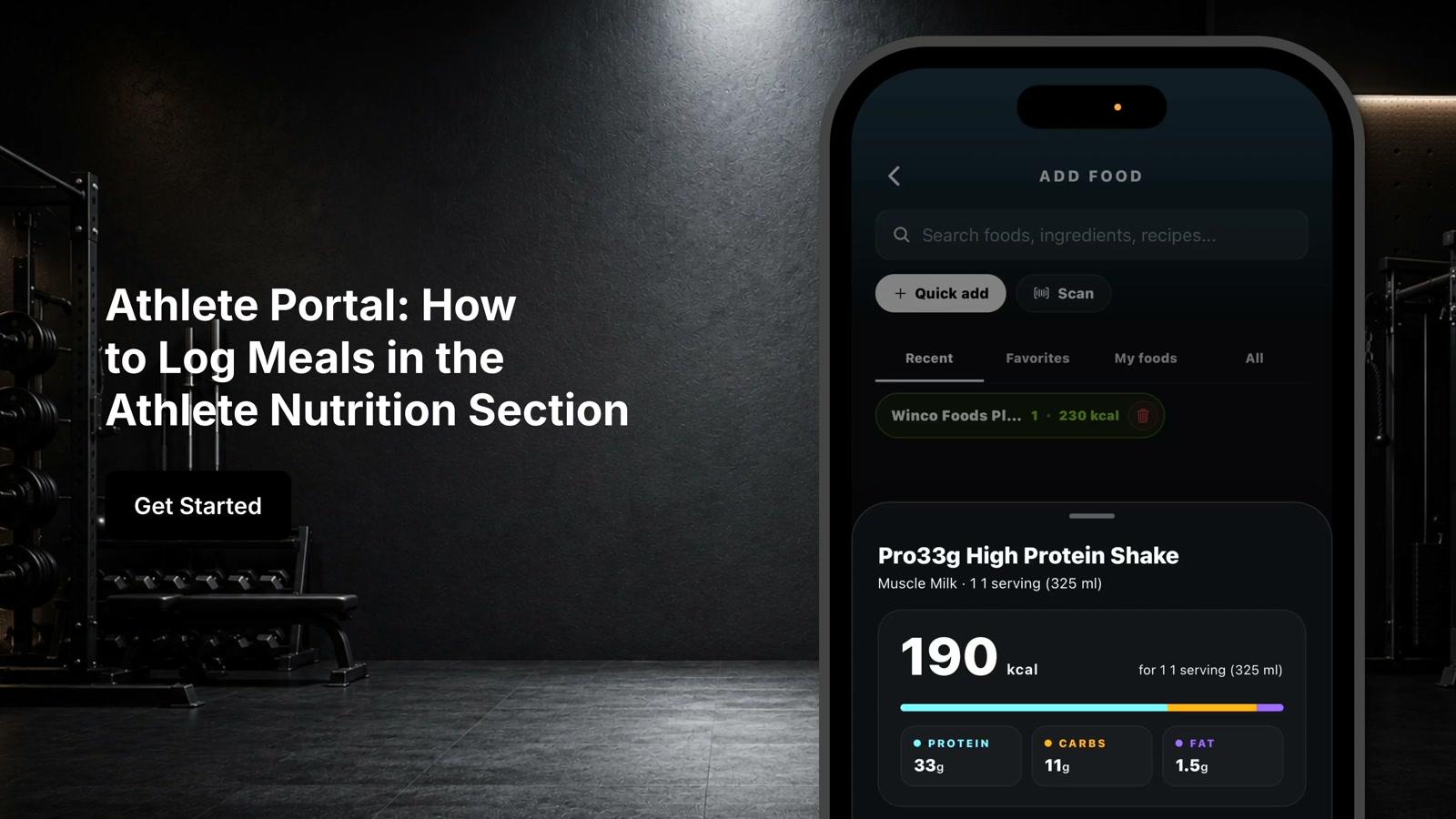
Use the search bar in the add food screen to find foods
- 10
Enter the appropriate serving size for the selected food
- 11
Press Save to log the food and update your daily nutrition stats
- 12
Click on the barcode scanner to quickly log packaged foods
- 13
Review your seven-day trend to see a summary of your recent nutrition habits
- 14
Tap daily nutrients to view the percentage of vitamins, minerals, and other nutrients consumed