Create a Workout Template
Create a reusable workout template for faster programming.
- 1
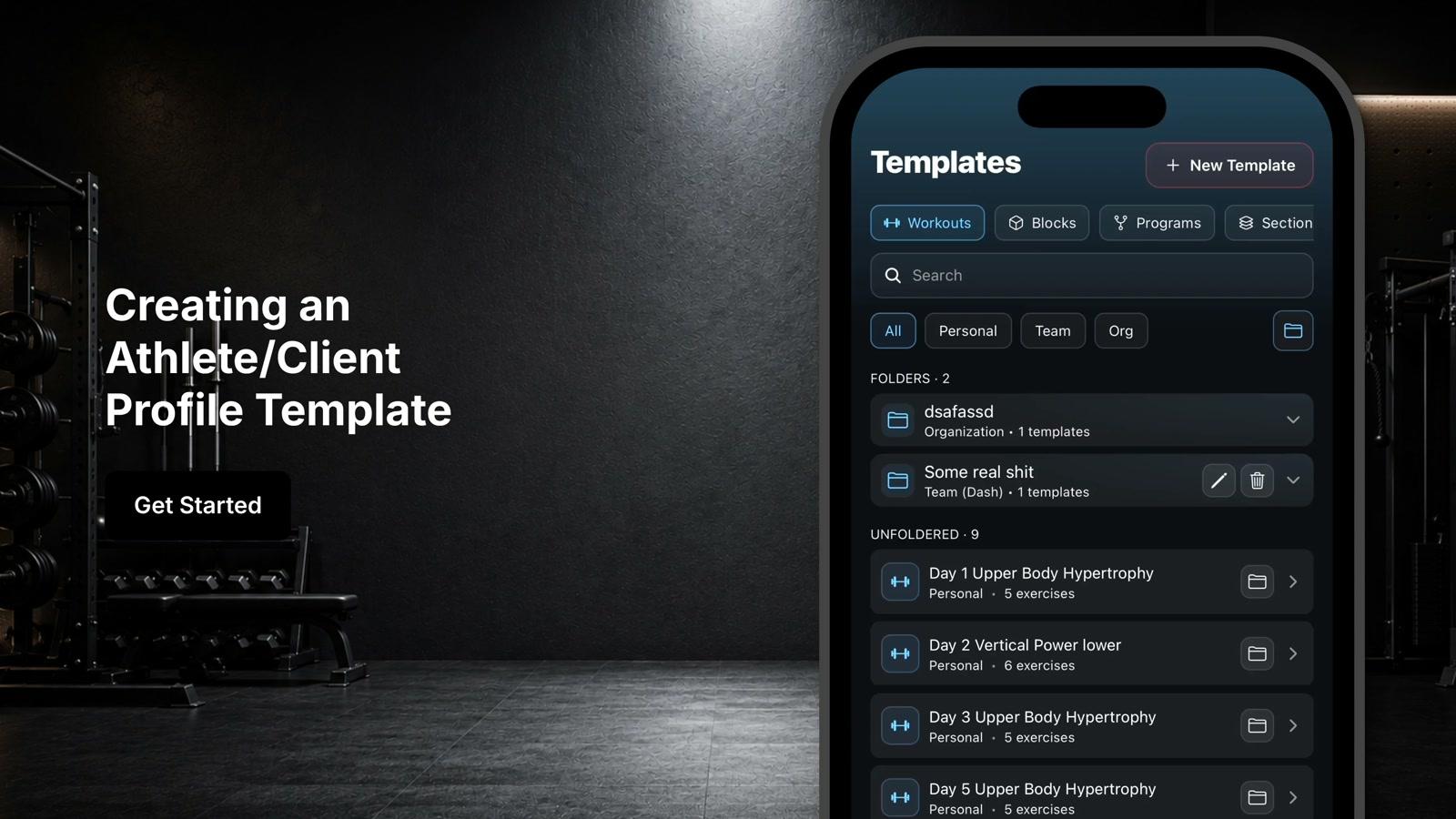
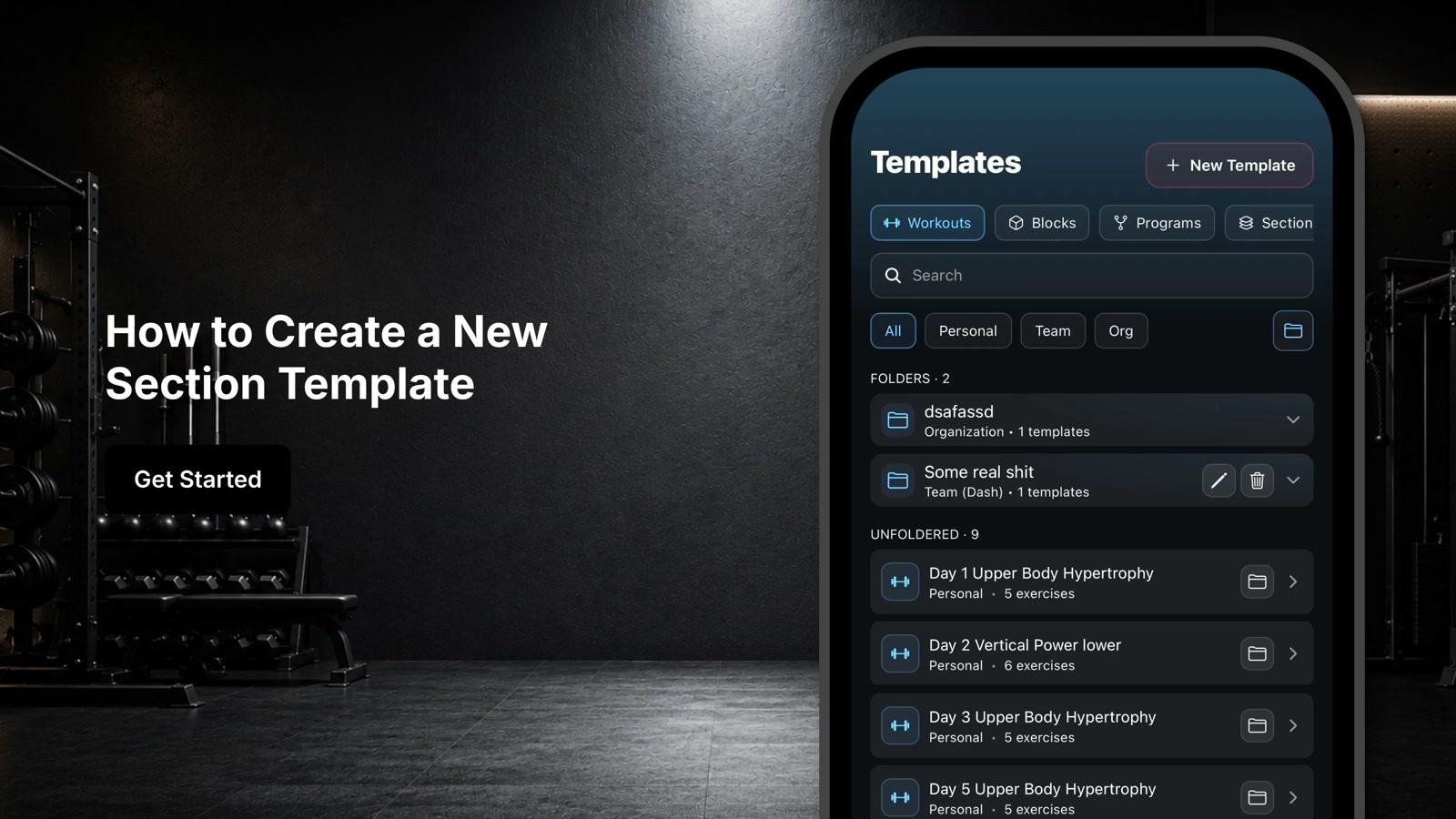
Tap the templates icon in the bottom right corner of the screen
- 2
Tap the plus new template button to start creating a new workout template
- 3
Enter a workout name and add instructions for athletes or clients
- 4
Tap the plus icon next to exercises to begin adding exercises
- 5
Use the search bar to find desired exercises
- 6
Select exercises and click add to insert them into the workout
- 7
Configure sets, reps, loads, rest periods, tempo, RPE, and other programming variables for each exercise
- 8
Click create to save the template
- 9
Alternatively, select import workout to bring in an existing workout
- 10
Paste workout text directly or upload a file such as Excel, PDF, or document
- 11
Select appropriate equipment and exercise source settings before importing
- 12
Click import and wait for the system to process the workout
- 13
Review the imported workout title, exercises, sections, and programming details
- 14
Make any necessary adjustments and click create to save the workout template
- 15
Use the pencil icon to edit the workout template
- 16
Assign the template to one or multiple athletes
- 17
Copy the workout template to use as a starting point for building other templates