Create a Profile Template
Create a reusable profile template for athletes.
Runtime1:35
Walkthrough8 steps
Step-by-step8 steps
- 1
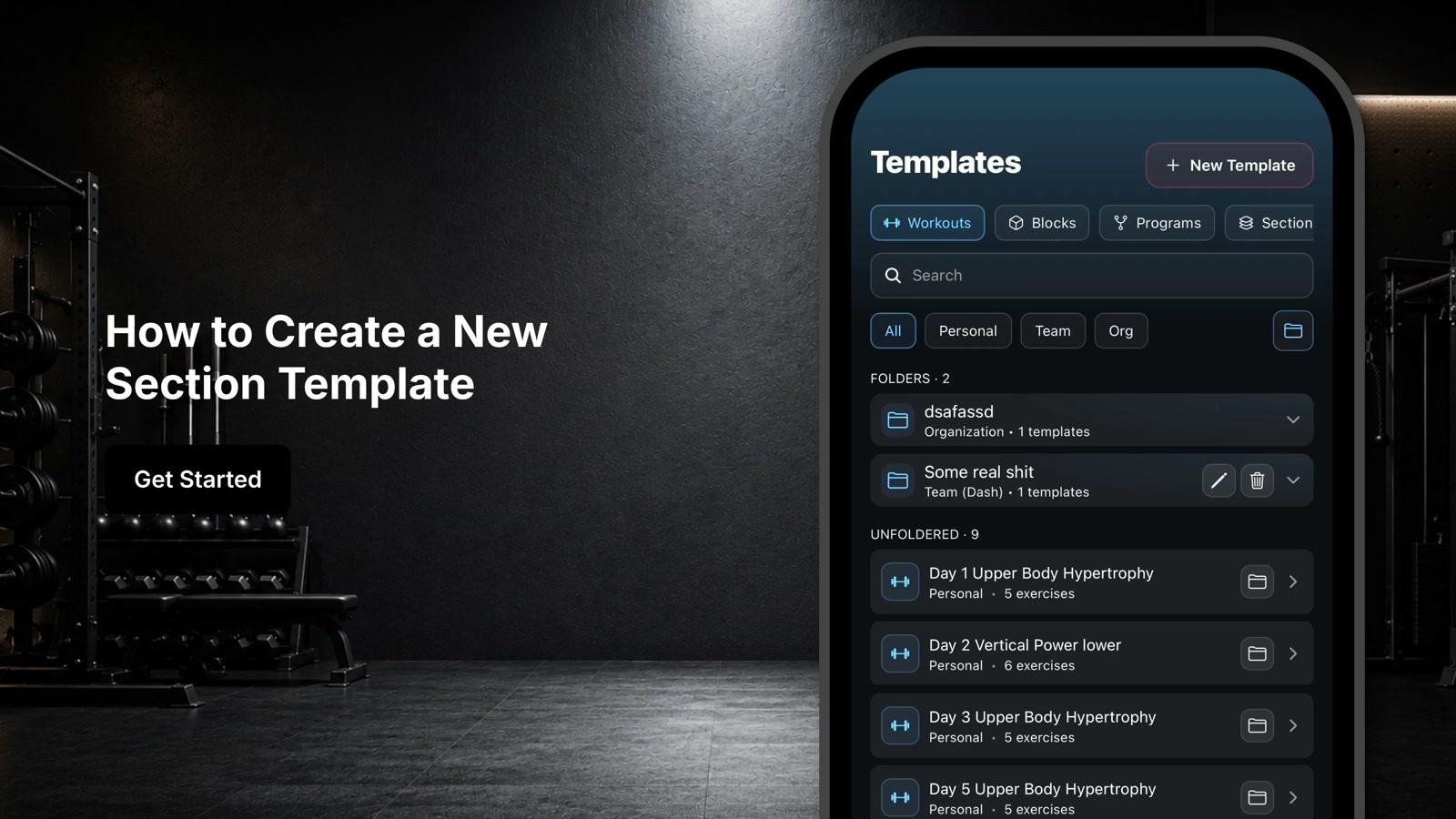
Navigate to the templates section and select Profiles
- 2
Click New Template
- 3
Choose to start with a blank template or select an existing template such as Athlete or Fitness Profile
- 4
Enter a name for your profile at the top of the screen
- 5
Enable progress photos if you want to track visual changes over time
- 6
Customize each section by adding, editing, or removing fields
- 7
Delete sections that aren't relevant or create entirely new sections as needed
- 8
Click Save to store your new Athlete Profile template