Create a Section Template
Create a reusable section template.
Runtime1:29
Walkthrough8 steps
Step-by-step8 steps
- 1
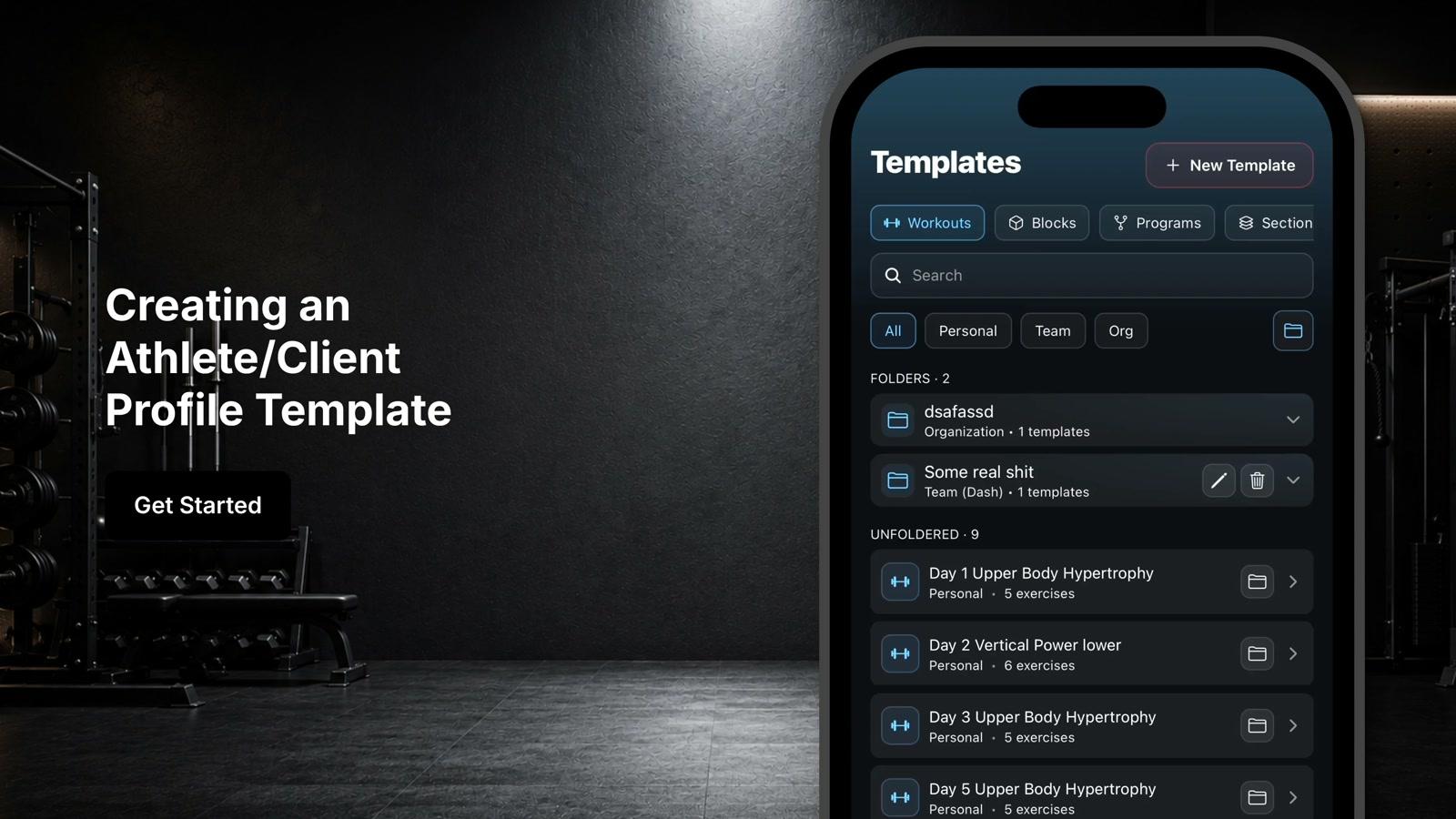
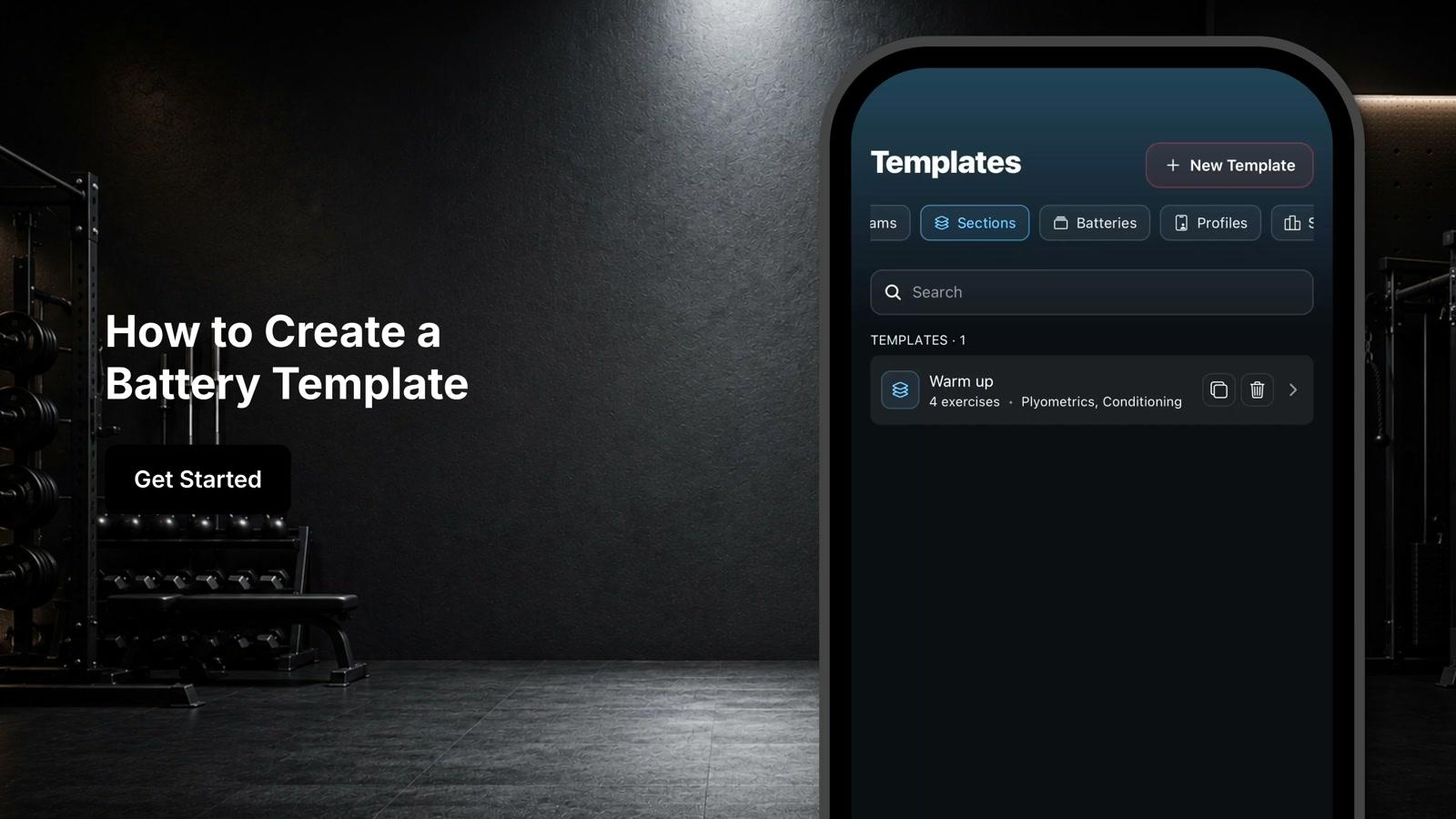
Navigate to the template section and select sections
- 2
Click New section template
- 3
Enter a descriptive name for the section (e.g., warm-up or main set)
- 4
Select the exercises you want to include in the section
- 5
Click Add to confirm exercise selection
- 6
Customize the prescription for each exercise by adjusting sets, reps, duration, or other programming parameters
- 7
Click Create to save the section template
- 8
Insert the section template into workouts when building programs