Create a Battery Template
Create a reusable battery template for assessments and athlete workflows.
Runtime1:21
Walkthrough7 steps
Step-by-step7 steps
- 1
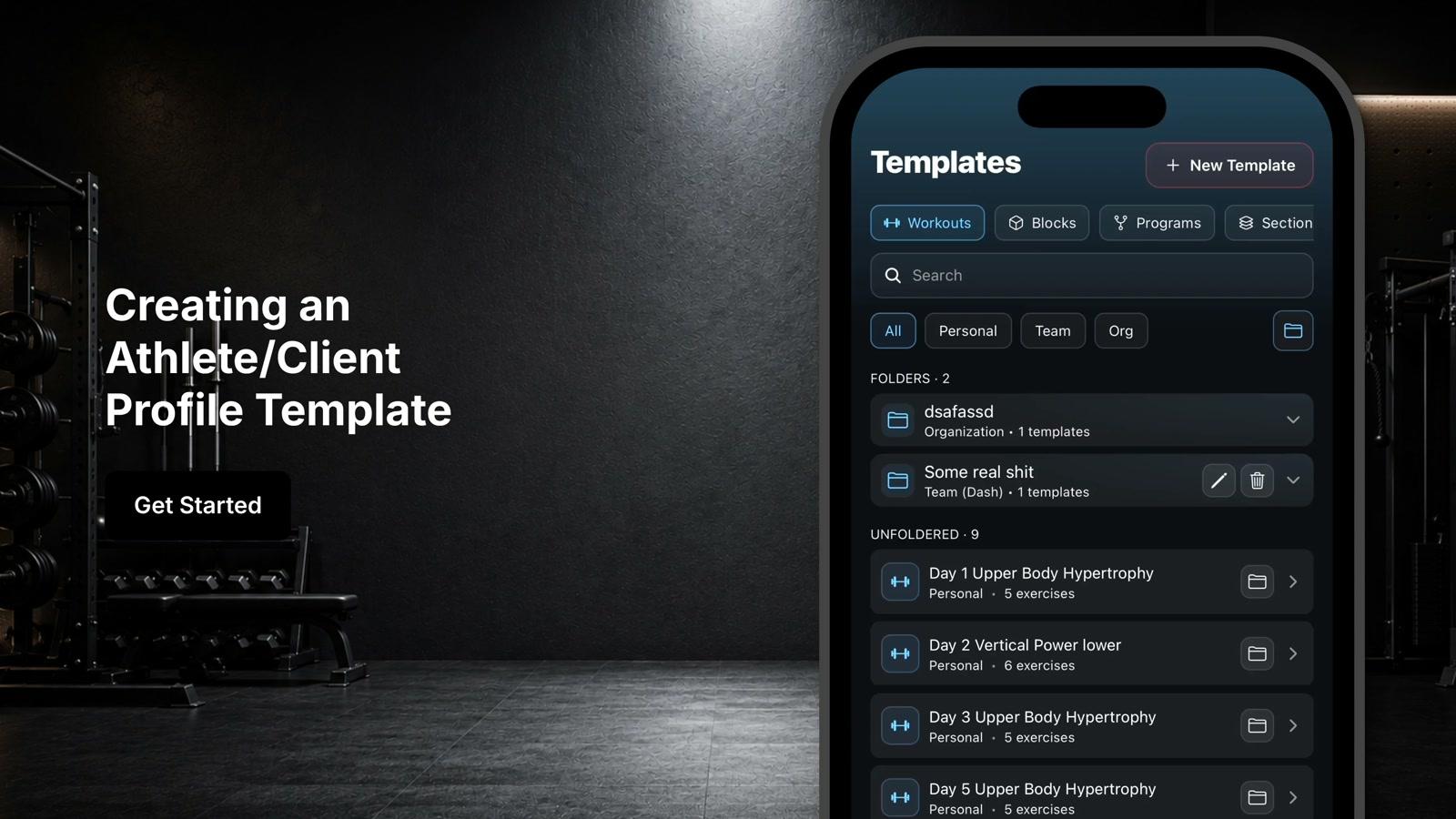
Click the 2 square icon at the bottom of the screen to navigate to the template section
- 2
Switch to the batteries tab
- 3
Click Add New Template
- 4
Enter a name for your battery
- 5
Select the assessments you would like to include
- 6
Click Save
- 7
Your battery template is ready to use and can be selected when administering assessments to automatically load all included assessments