Create a Program Template
Create a reusable program template.
- 1
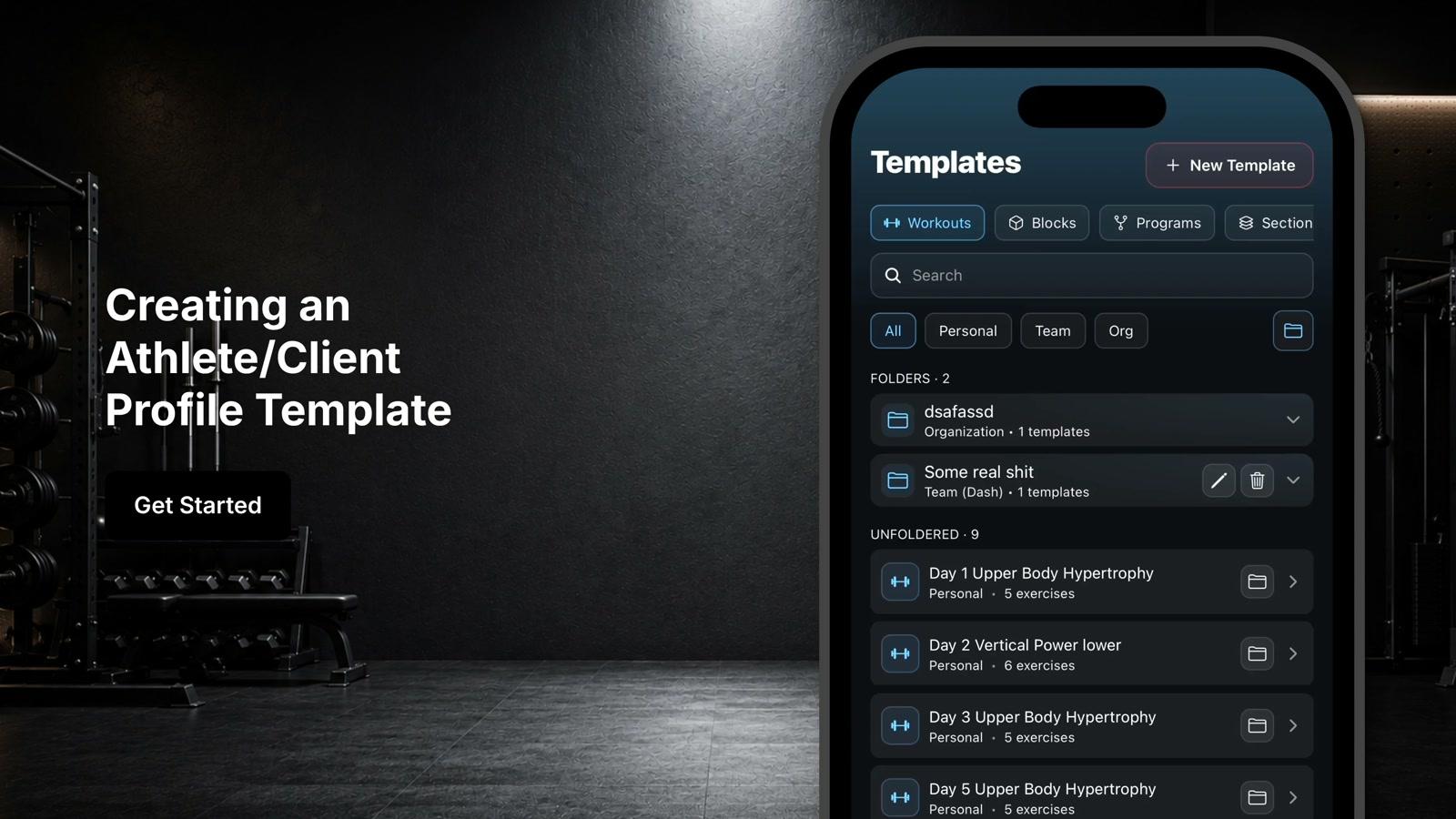
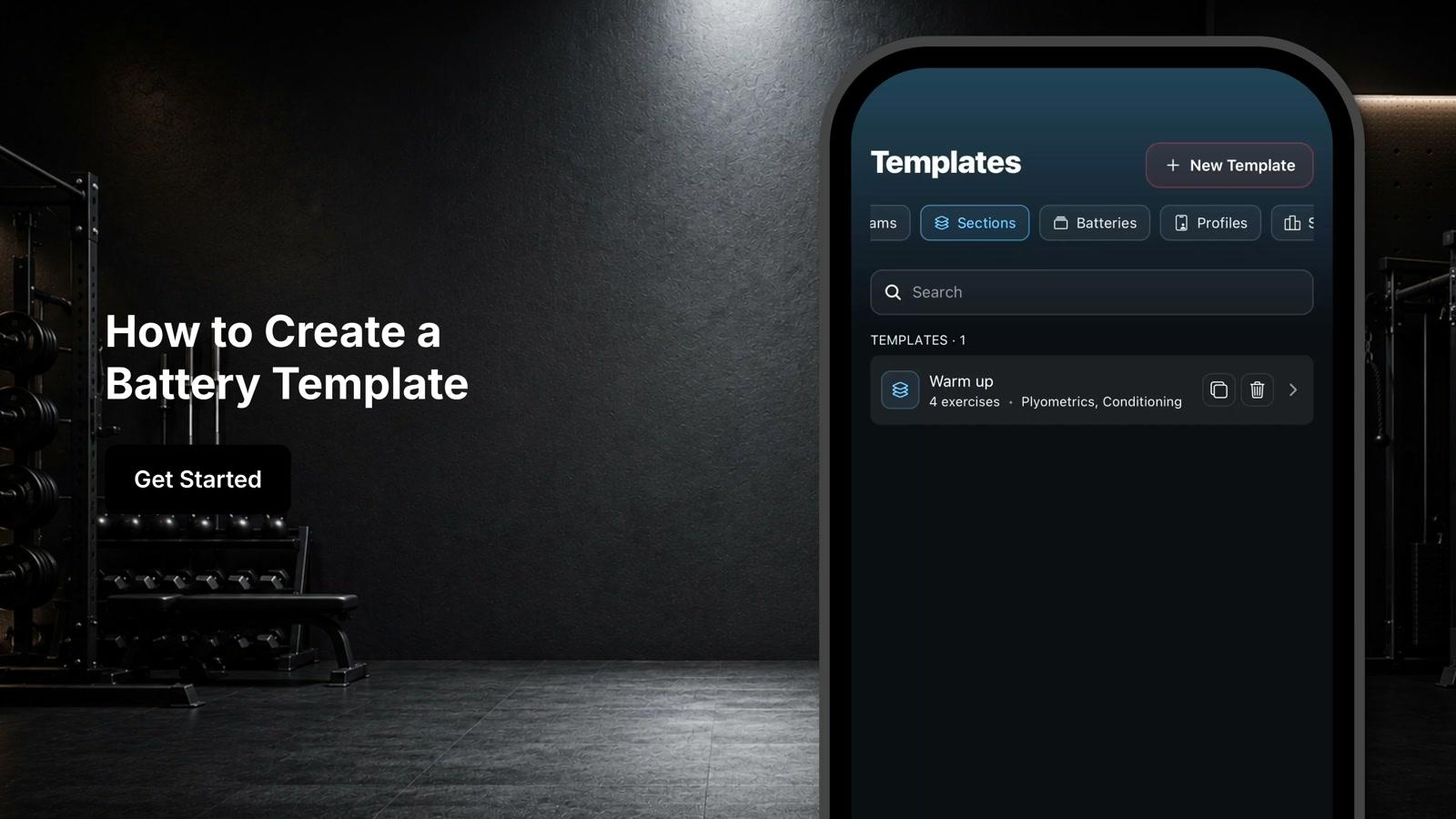
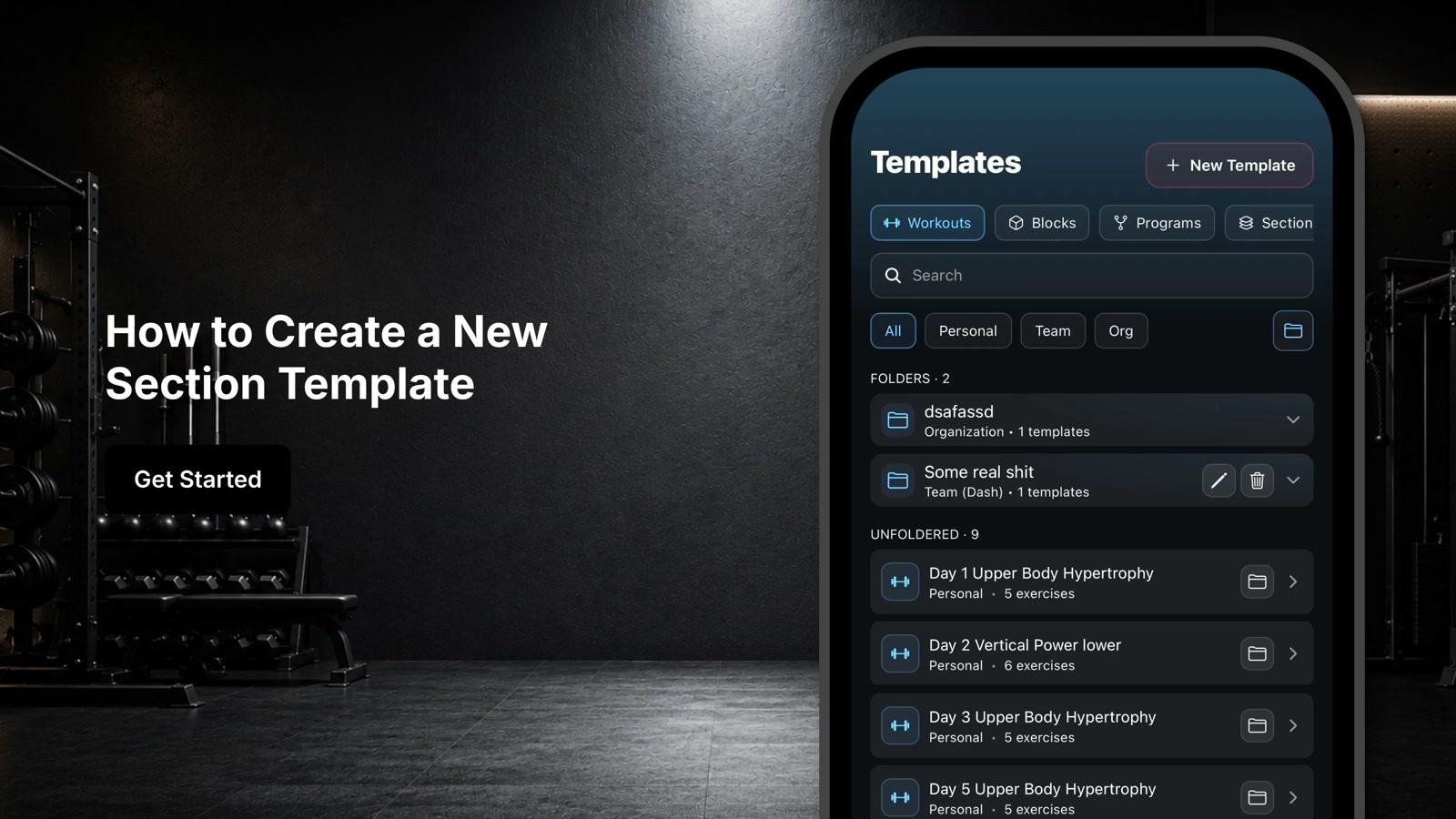
Navigate to the template section and select Programs
- 2
Click on New Template to create a new program
- 3
Enter a name for the program
- 4
Click Create
- 5
Select Add Block and choose the training blocks you want to include in the program
- 6
Click the plus button next to the blocks to add them to your program
- 7
Review the summary at the top showing total number of blocks and overall program length in weeks
- 8
Click into any block to review the workouts and exercises it contains
- 9
Make edits to the exercises and programming details within each block if needed
- 10
Use the management options at the top of the screen to edit the program name, assign the program to one or multiple athletes, or create a copy of the program
- 11
Once blocks are organized and reviewed, the program template is ready to be assigned and used within your coaching workflow