Create and Customize a Scoring Profile Template
Create and customize a reusable scoring profile template.
Runtime1:04
Walkthrough7 steps
Step-by-step7 steps
- 1
Click the two square icon at the bottom of your screen
- 2
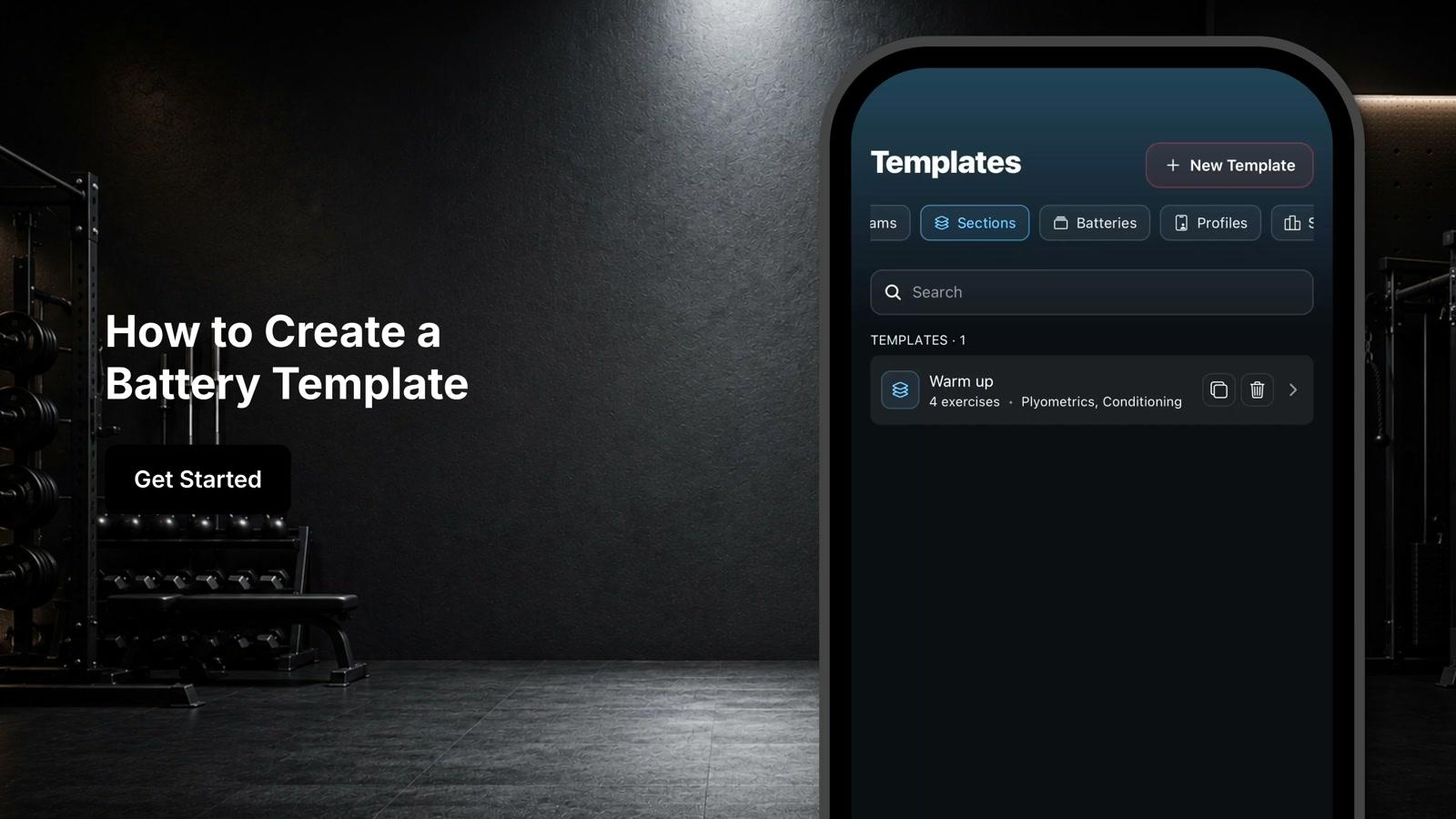
Scroll across the menu to the scoring tab
- 3
Select 'scoring'
- 4
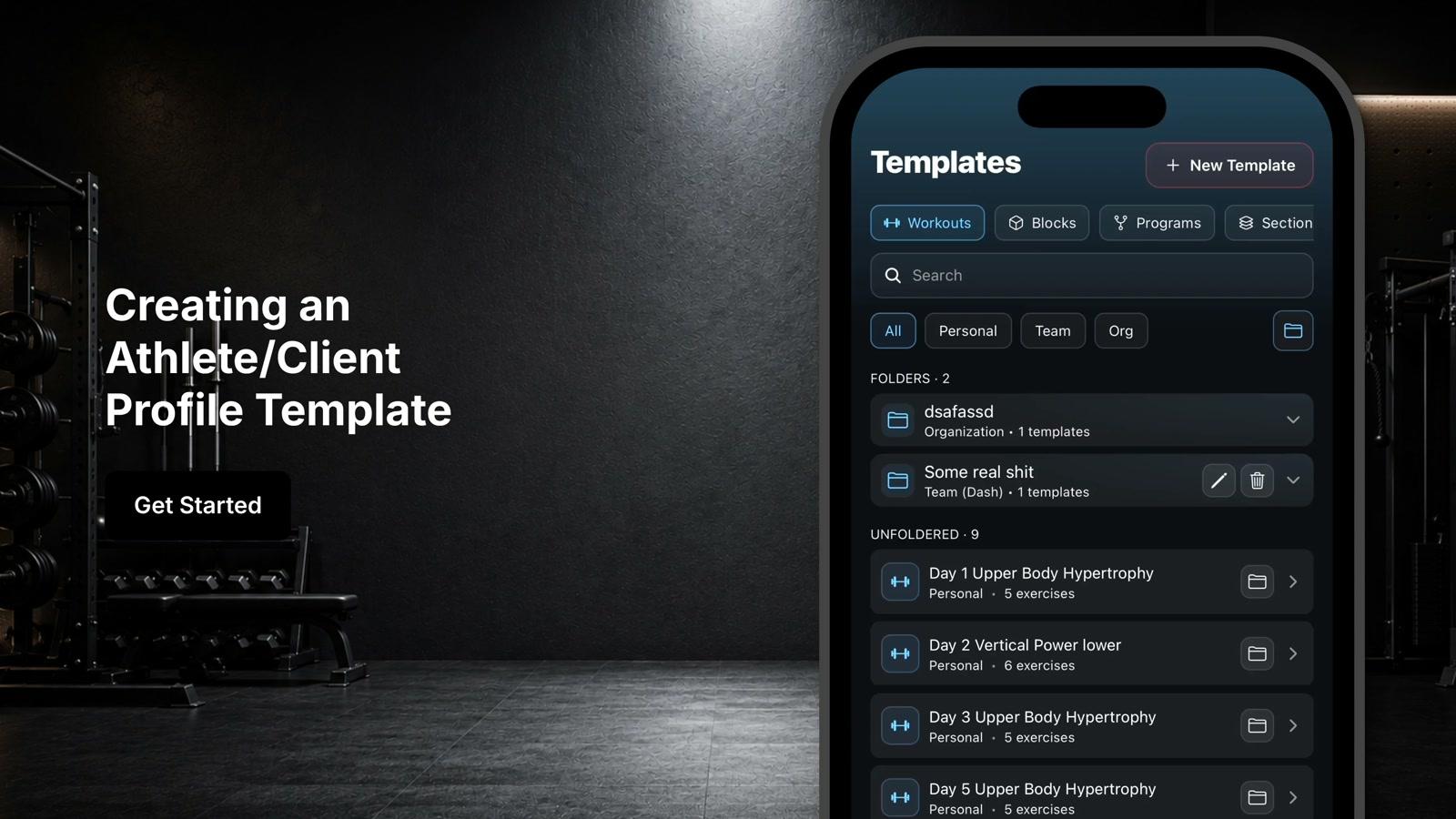
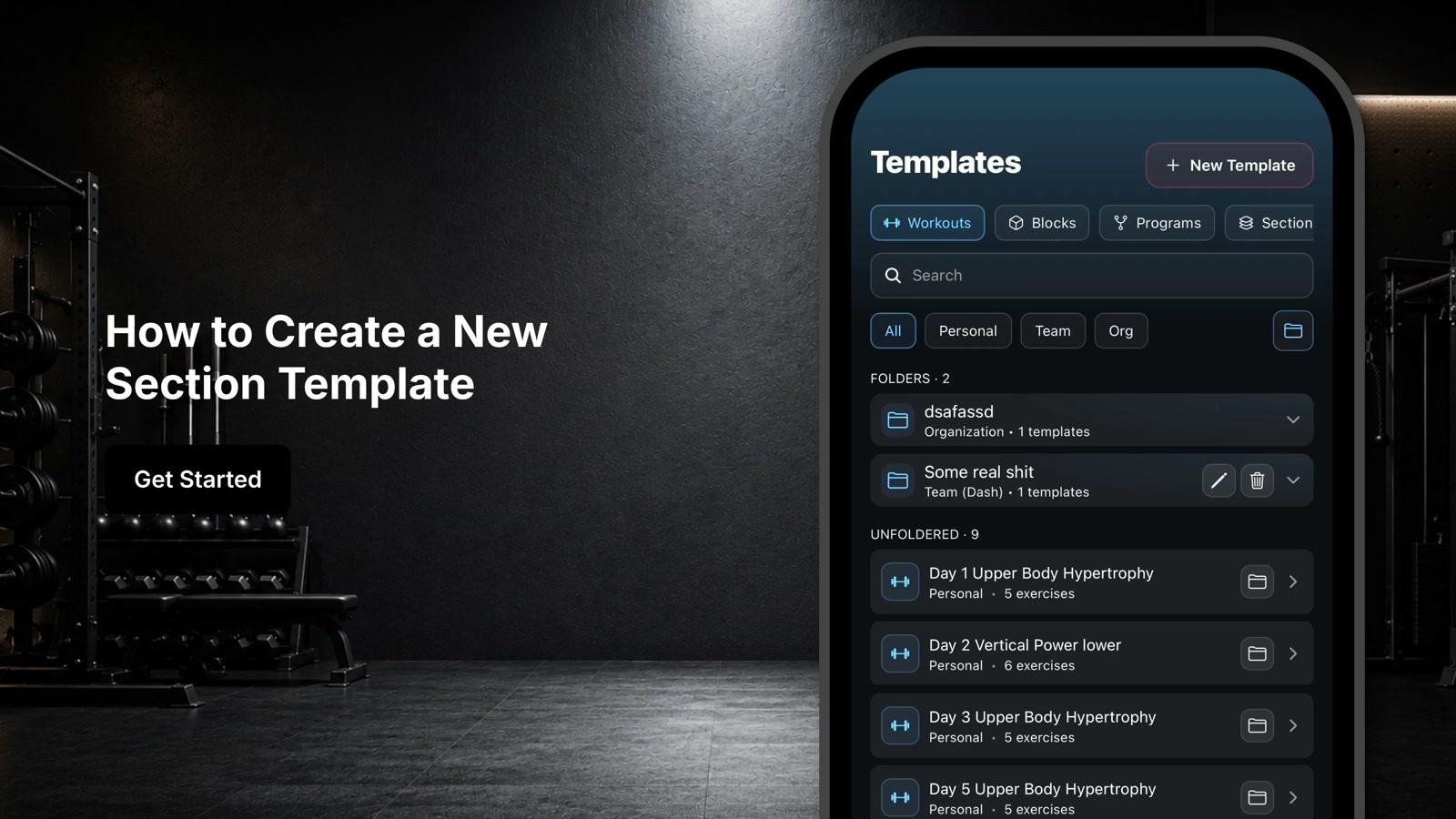
Click 'New Template' to build a scoring template
- 5
Edit the template name
- 6
Customize the scoring parameters
- 7
Save the template for future assessments