Personal, Team & Organization Templates
Understand how personal, team, and organization templates differ.
Runtime1:05
Walkthrough6 steps
Step-by-step6 steps
- 1
Tap the square icon in the bottom navigation bar to open templates
- 2
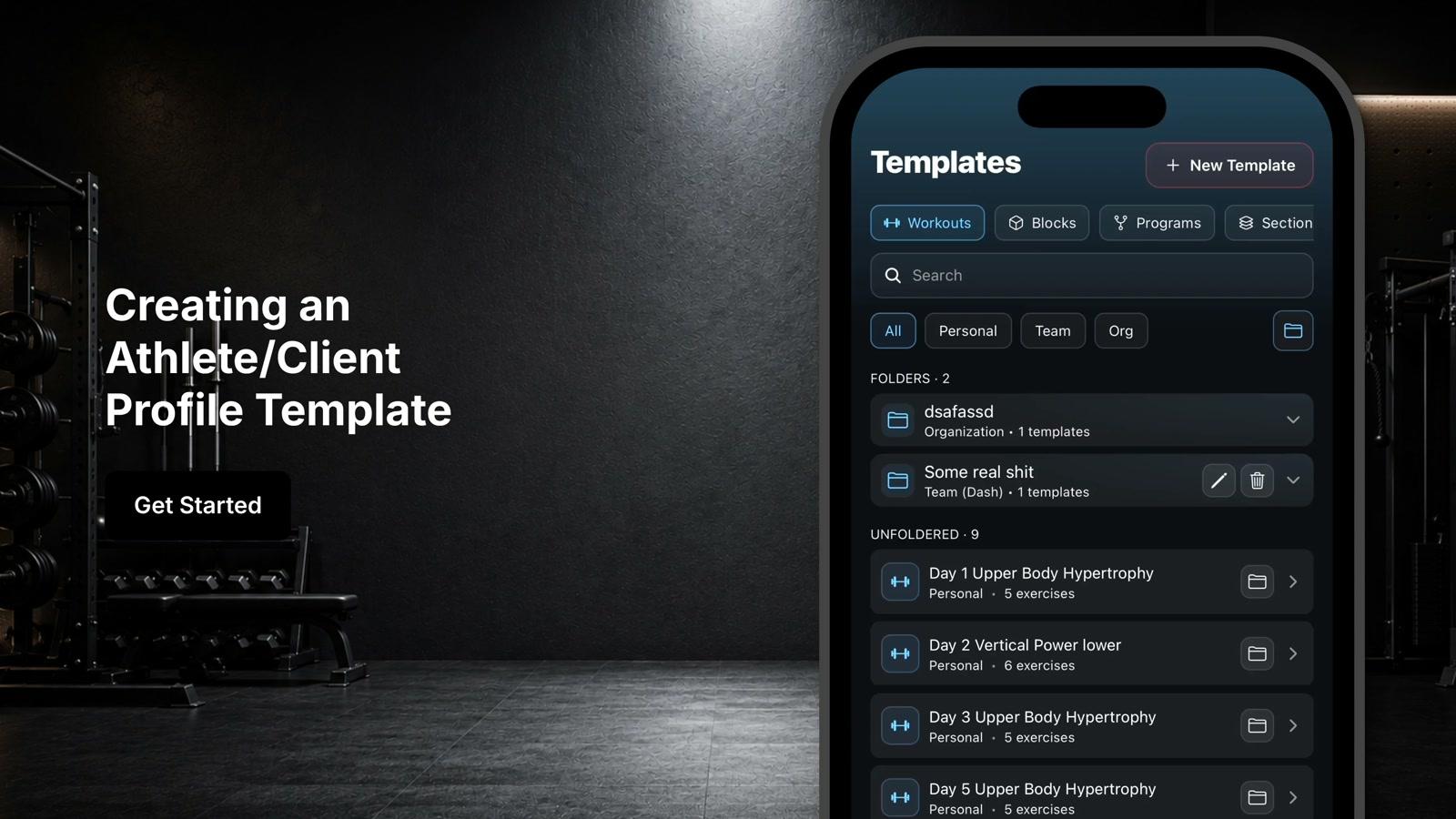
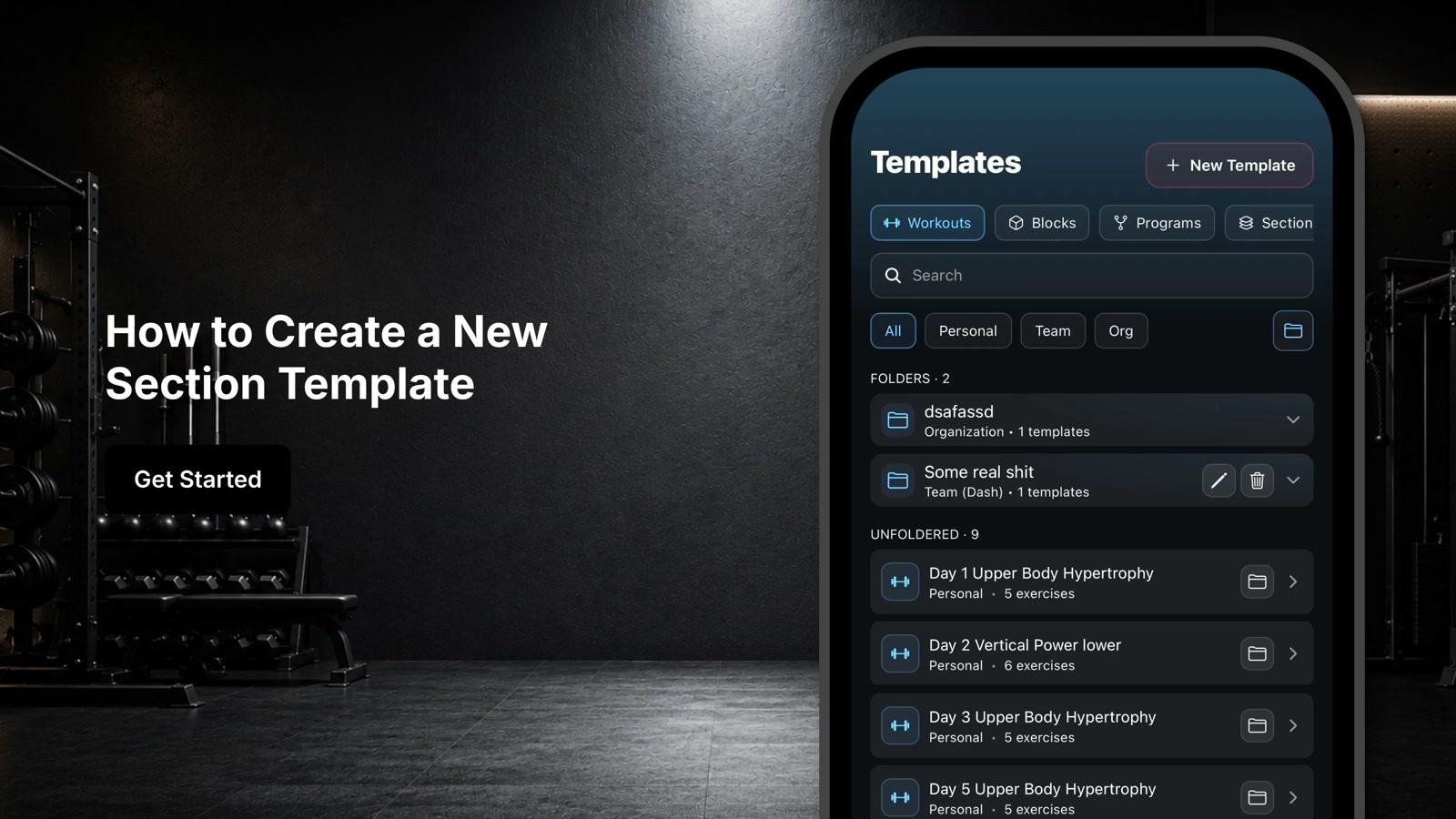
Review the three template categories: personal, team, and org
- 3
Use the 'all' section to view every template you have access to, including personal, team, and organization templates
- 4
Use the 'personal' section to view templates you have created and manage yourself
- 5
Use the 'team' section to view templates shared with your team and available to all team members
- 6
Use the 'organization' section to view templates made available across your entire organization