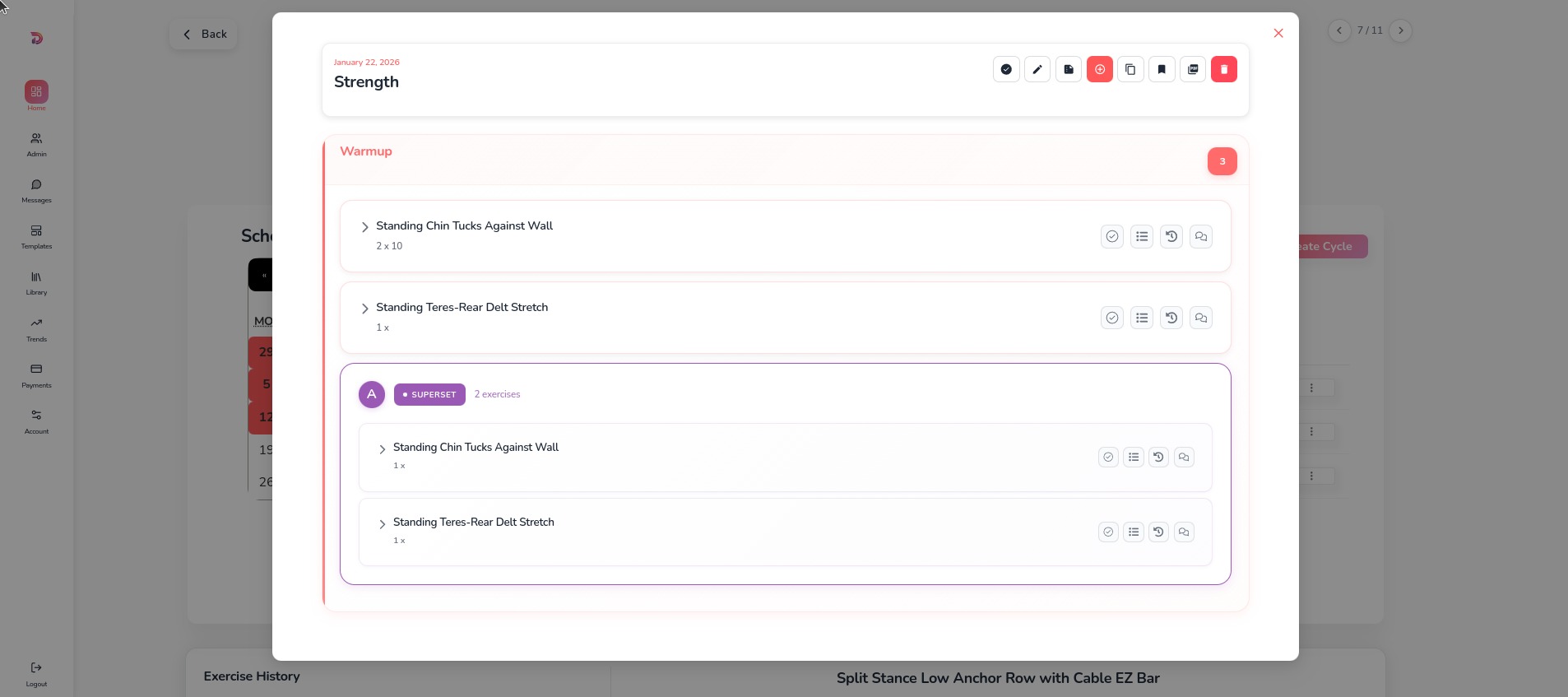
Building Workouts
Create workouts from scratch - adding exercises, organizing with sections and supersets, reordering, setting difficulty, copying, cloning, and saving as templates
Step-by-Step Guide
1. Navigate to Client Details
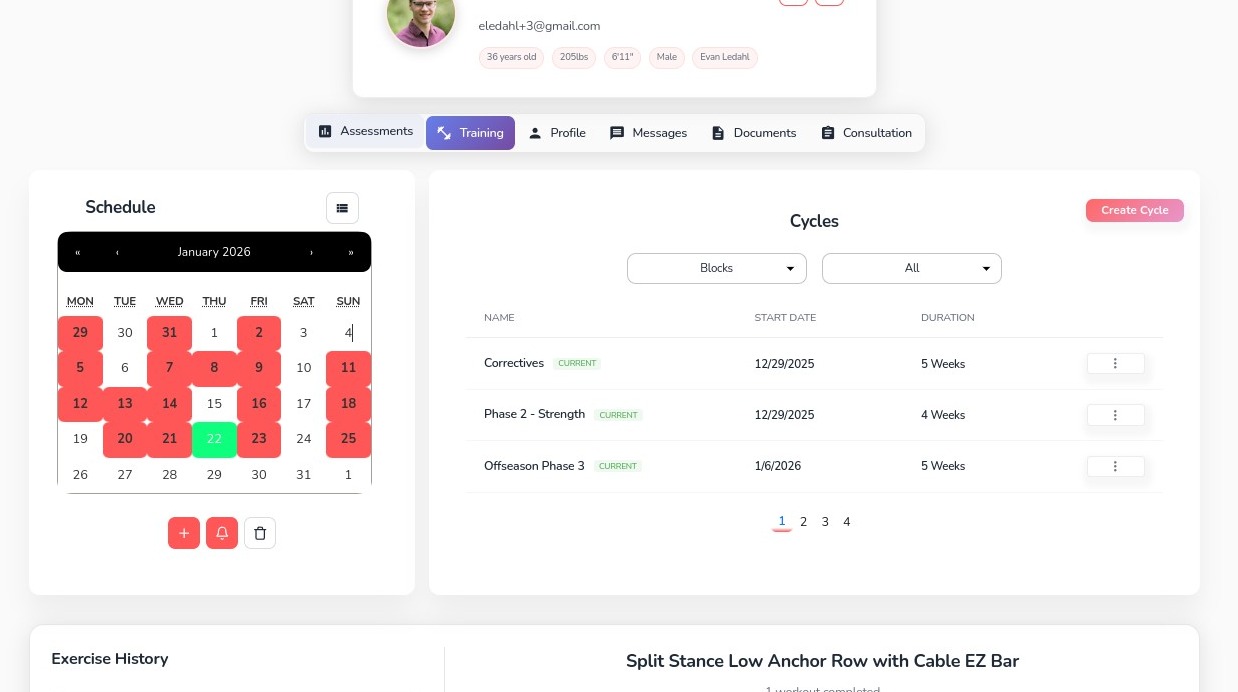
2. Click the Training tab
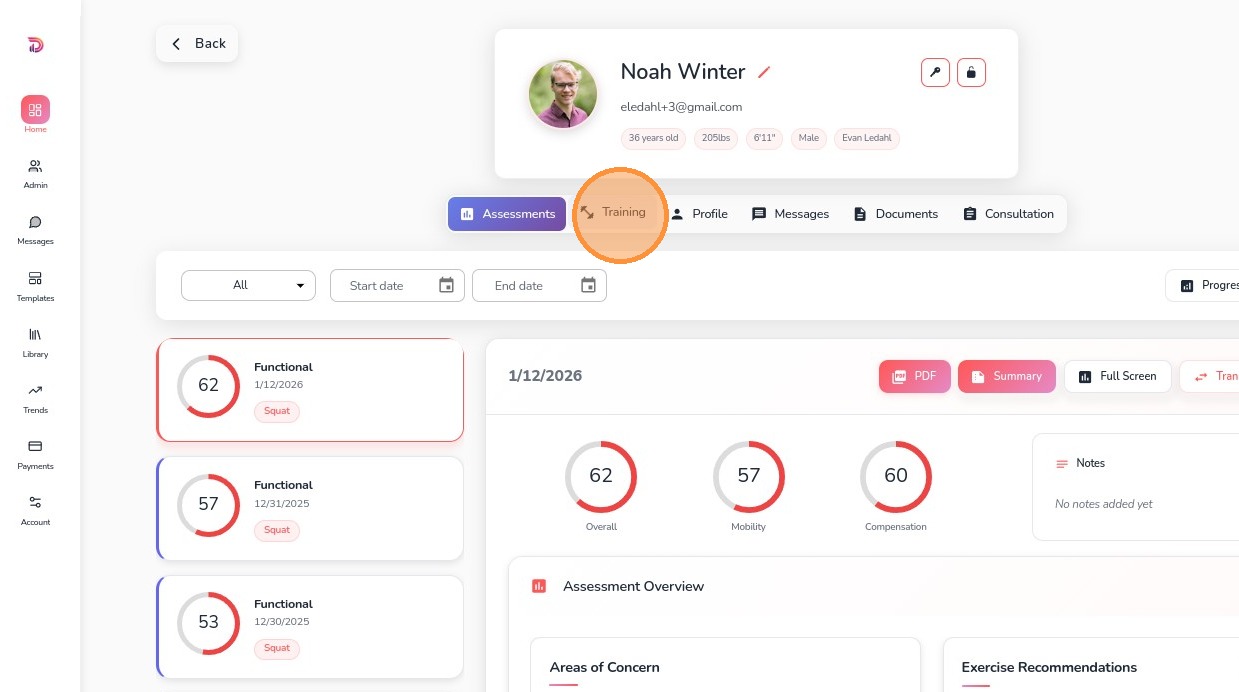
3. From here, you can create a workout in the calendar by either clicking the plus button
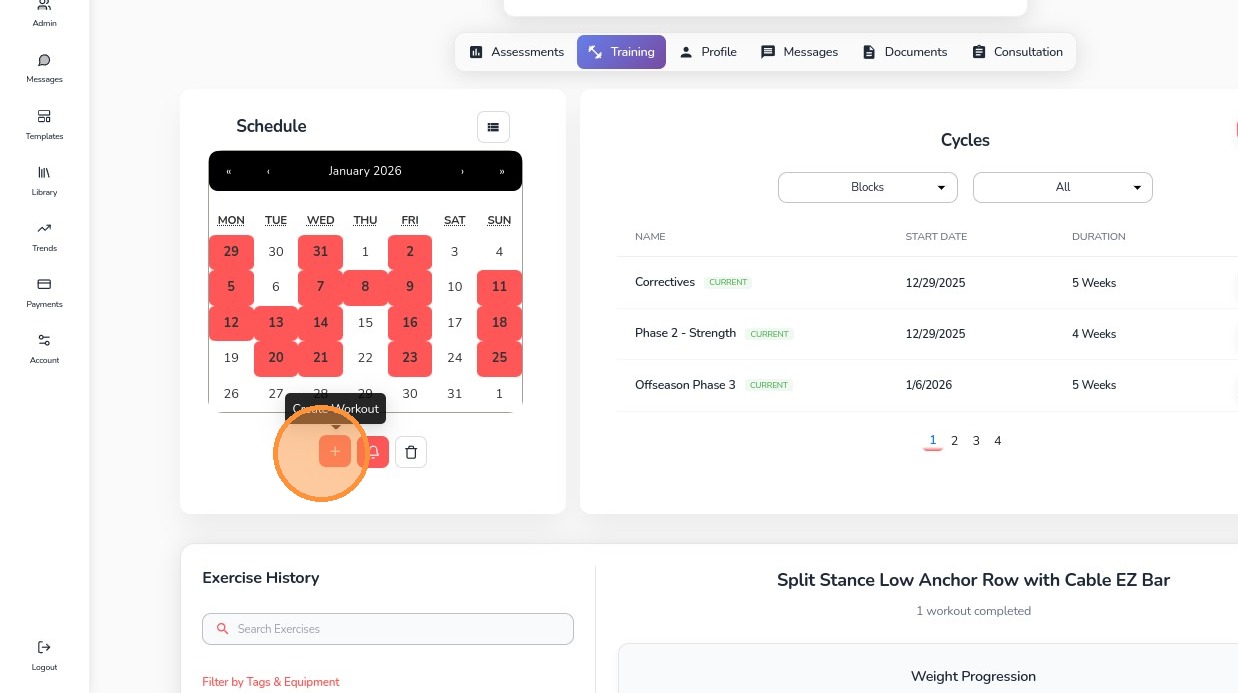
4. Or by clicking on a date
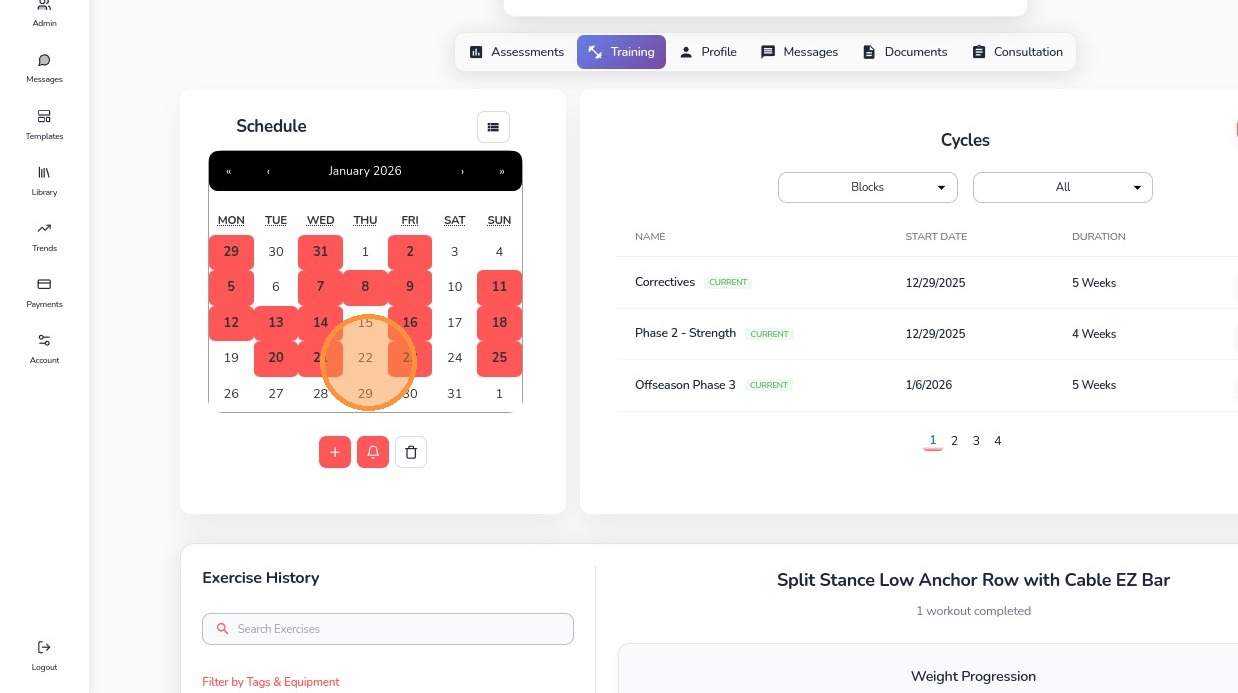
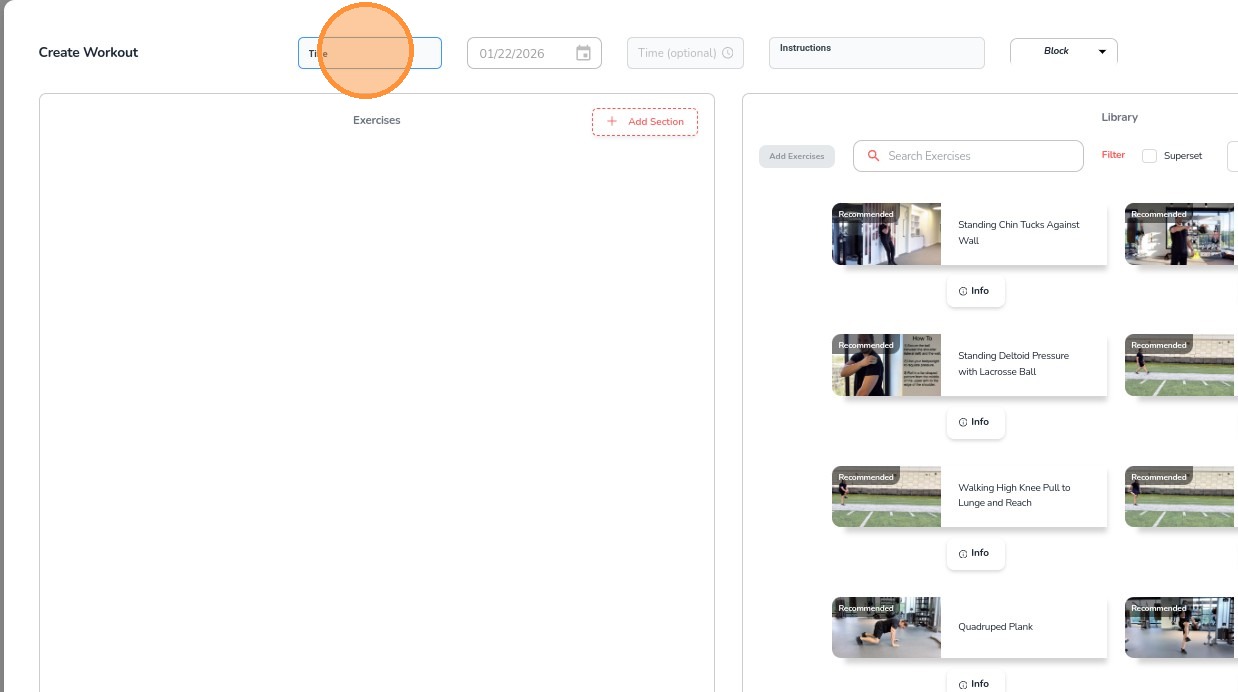
5. Once the modal opens, enter a title, date, time, instructions and add to a block if needed
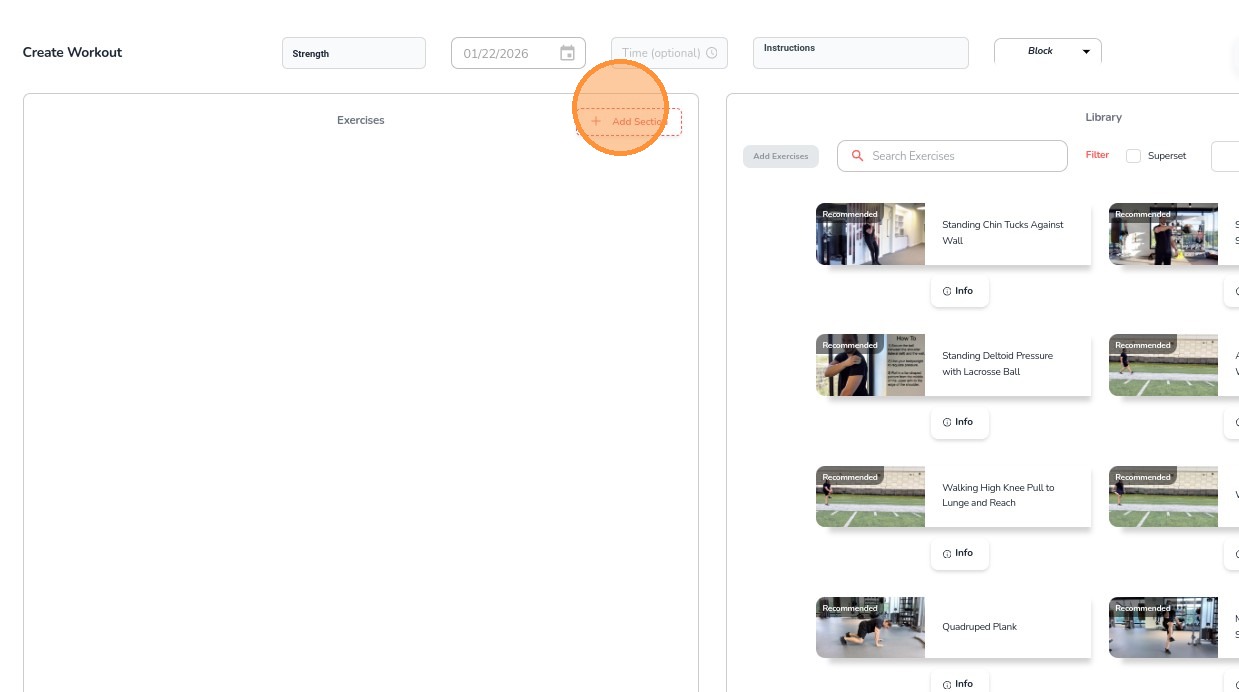
6. To begin adding exercises, click Add Section
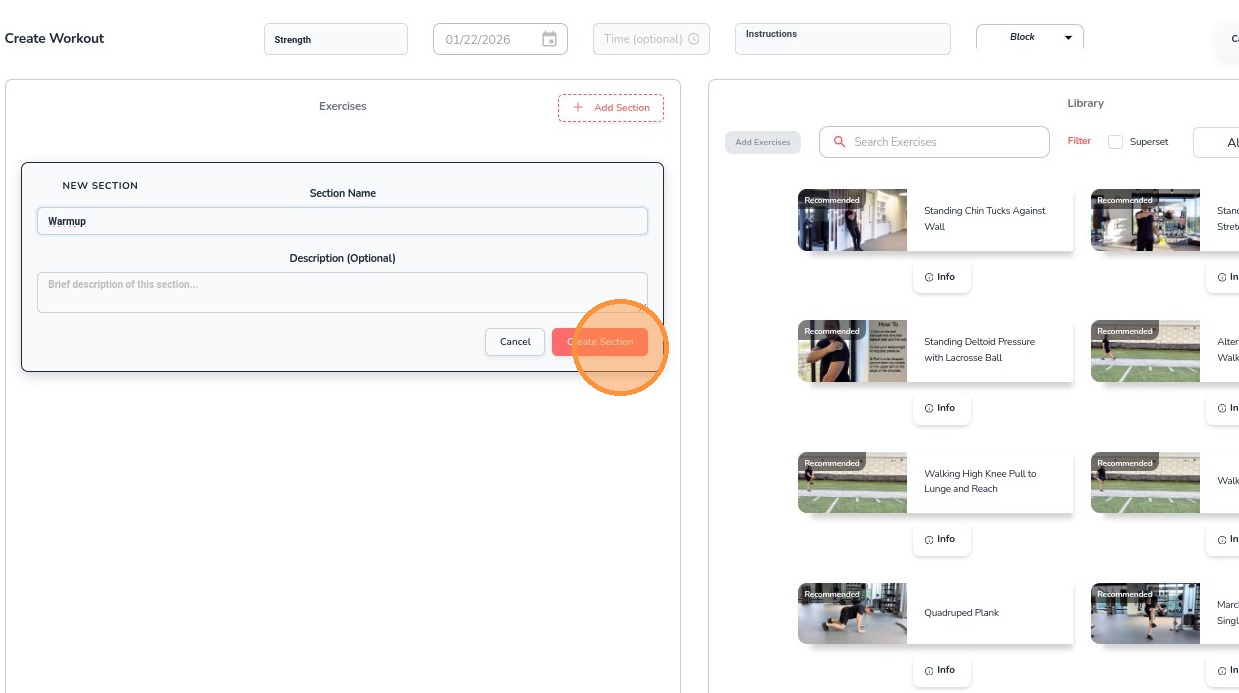
7. Give it a title and an optional description
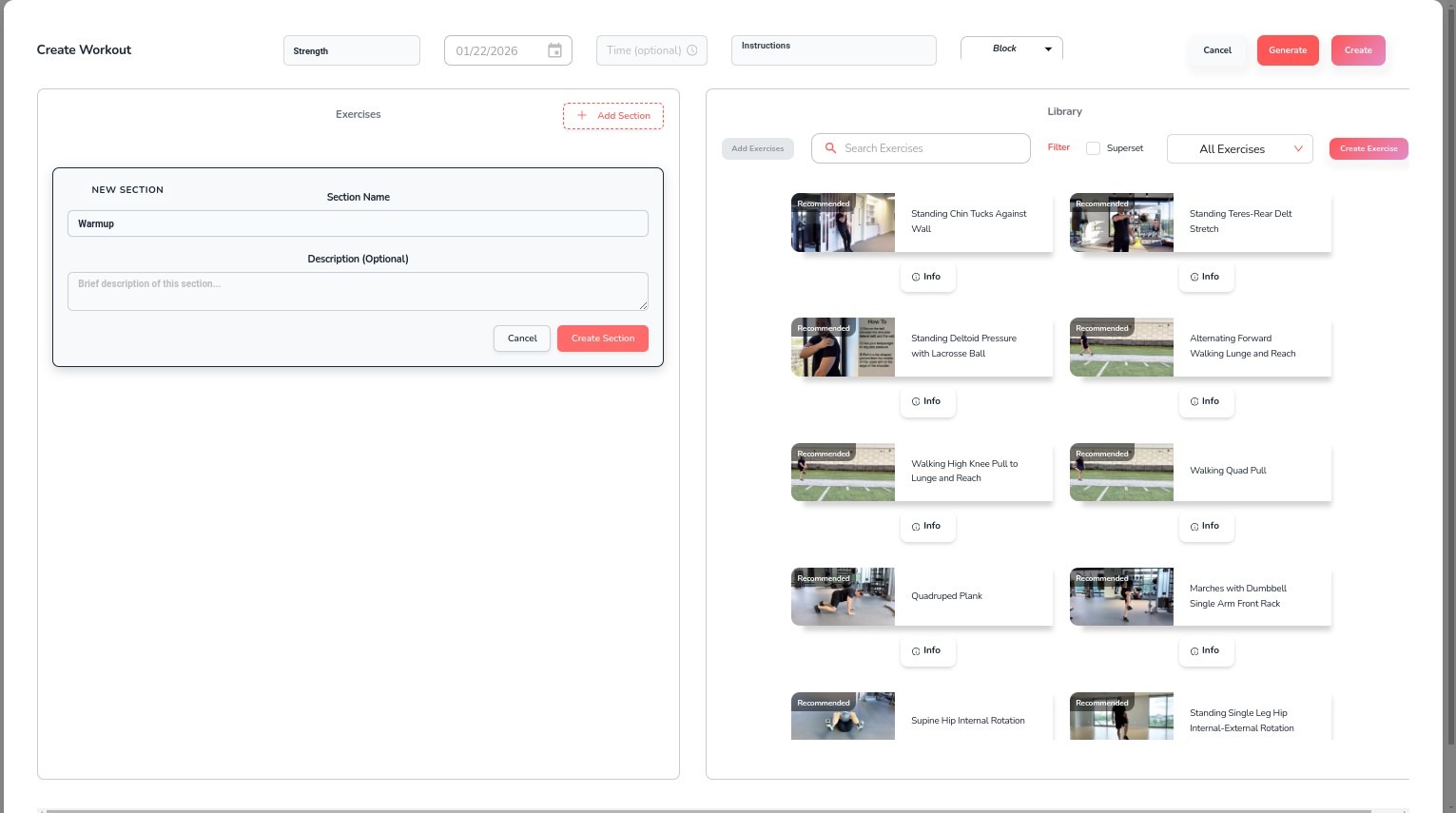
8. Click "Create Section"
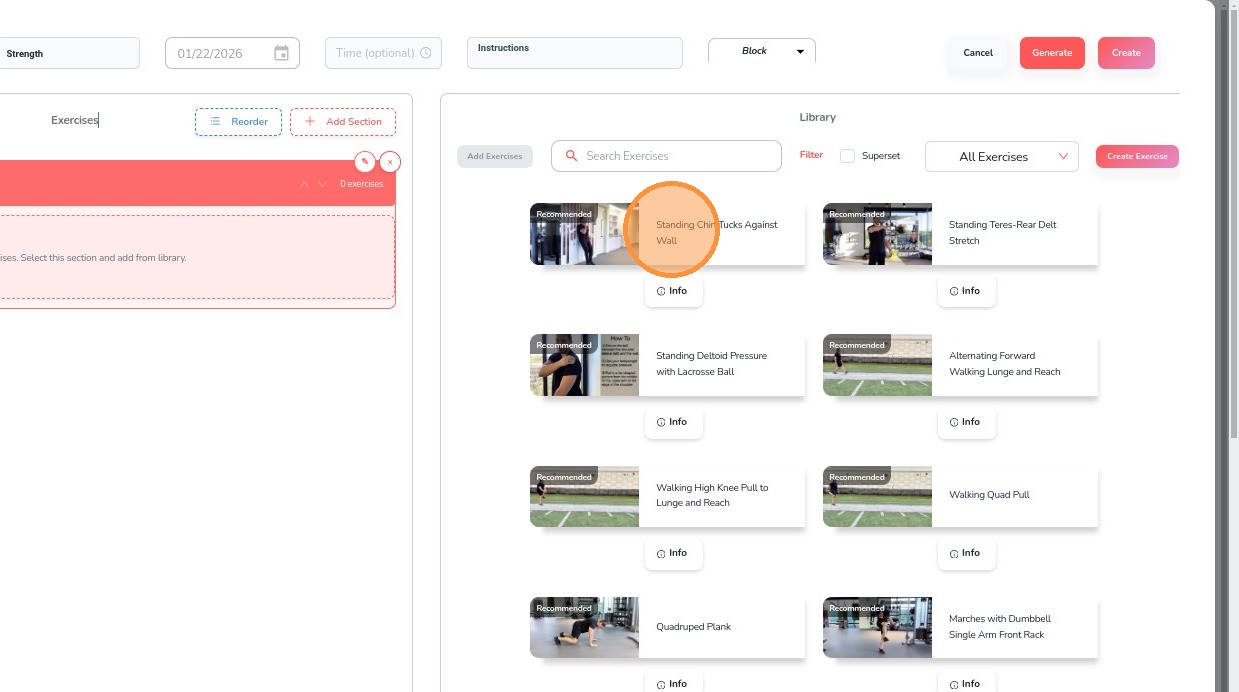
9. Select exercises
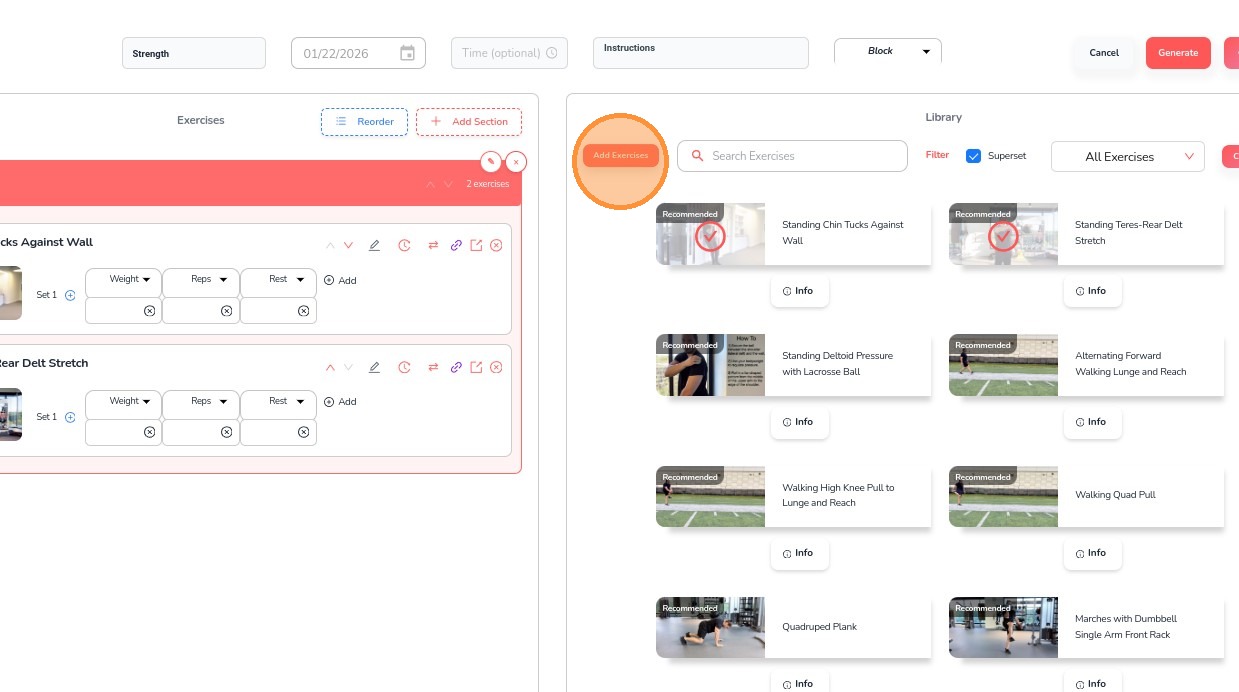
10. Click Add Exercises
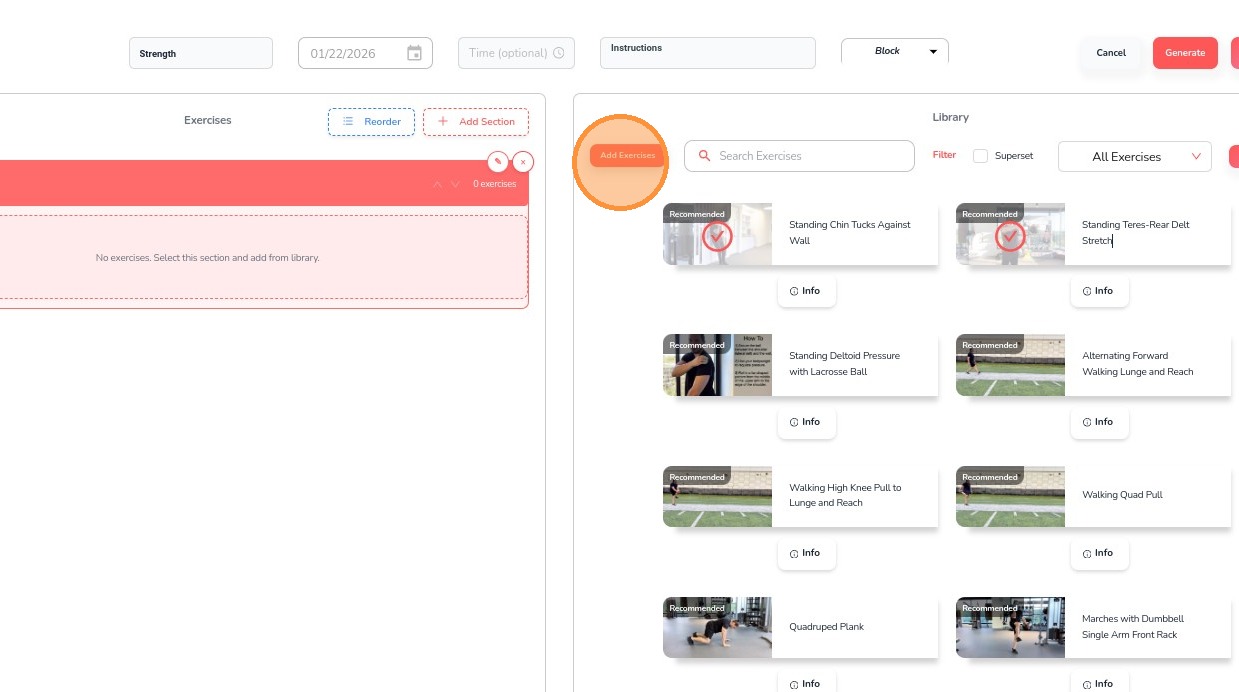
11. For Supersets, select multiple exercises
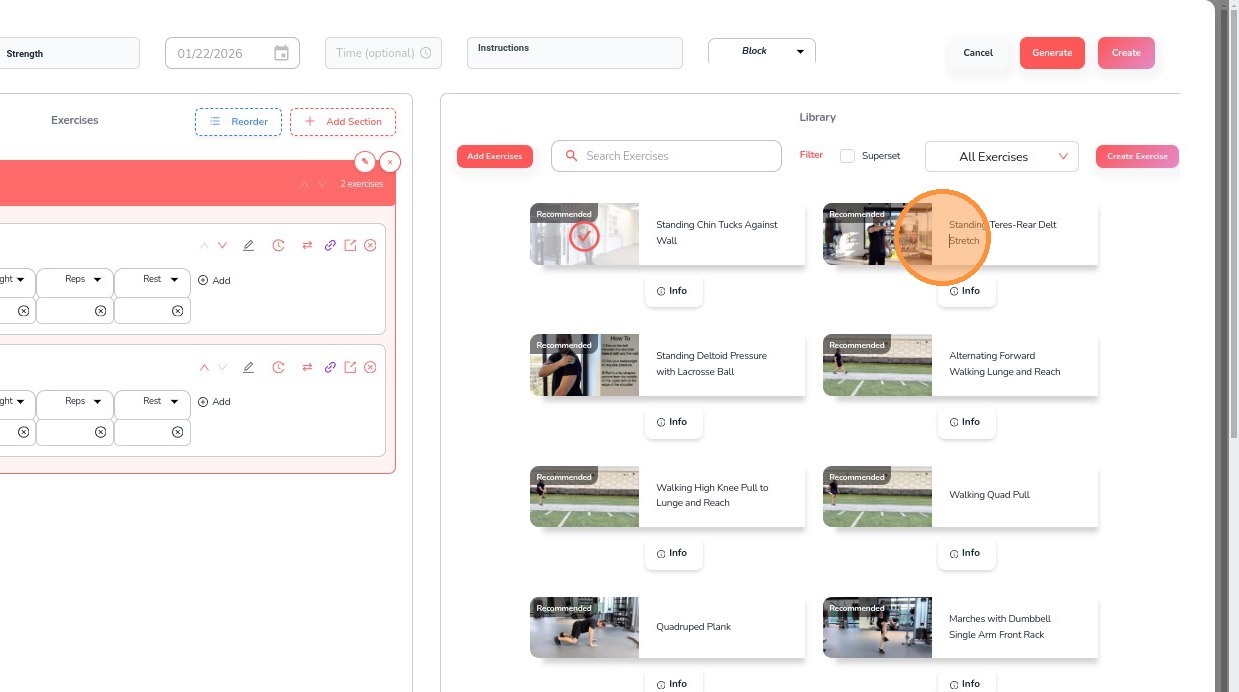
12. Check the Superset box
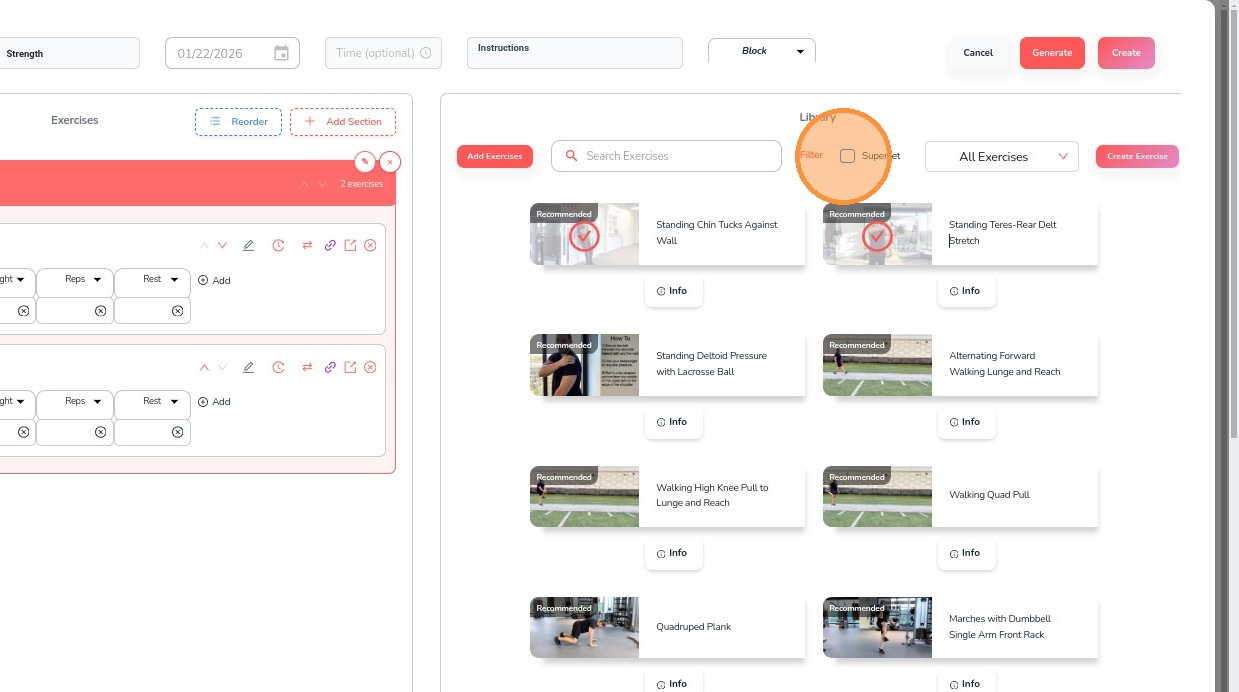
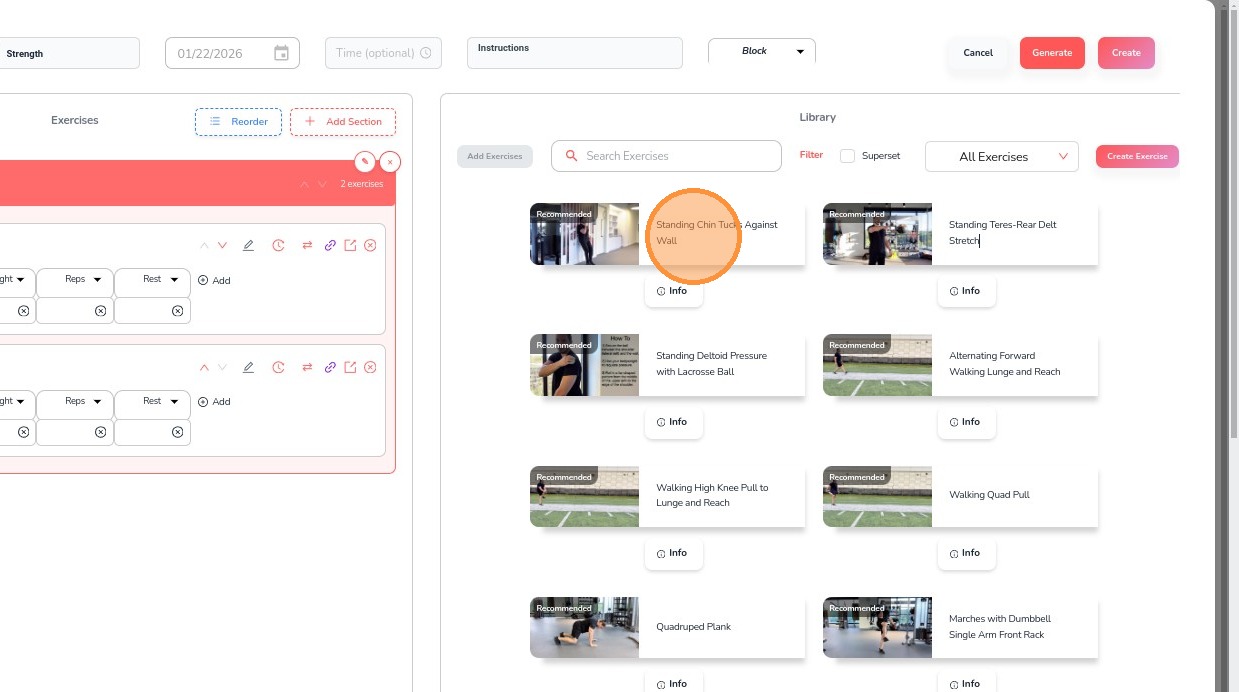
13. Click Add Exercises
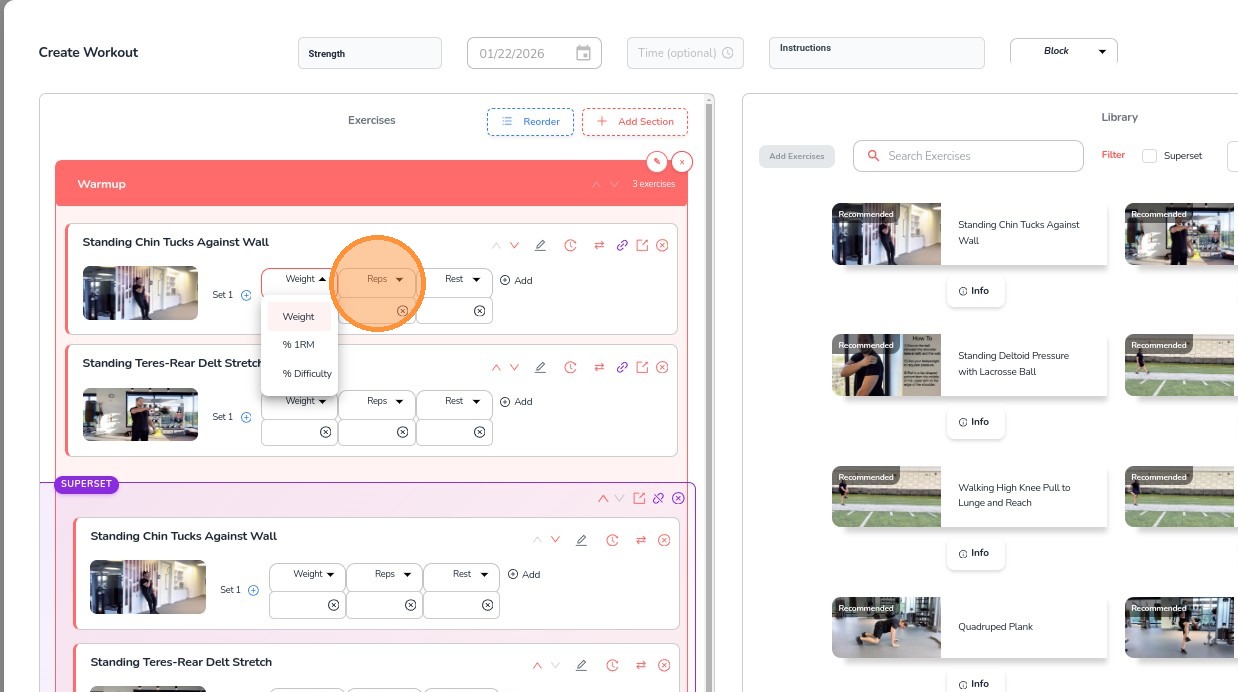
14. Add Weight options
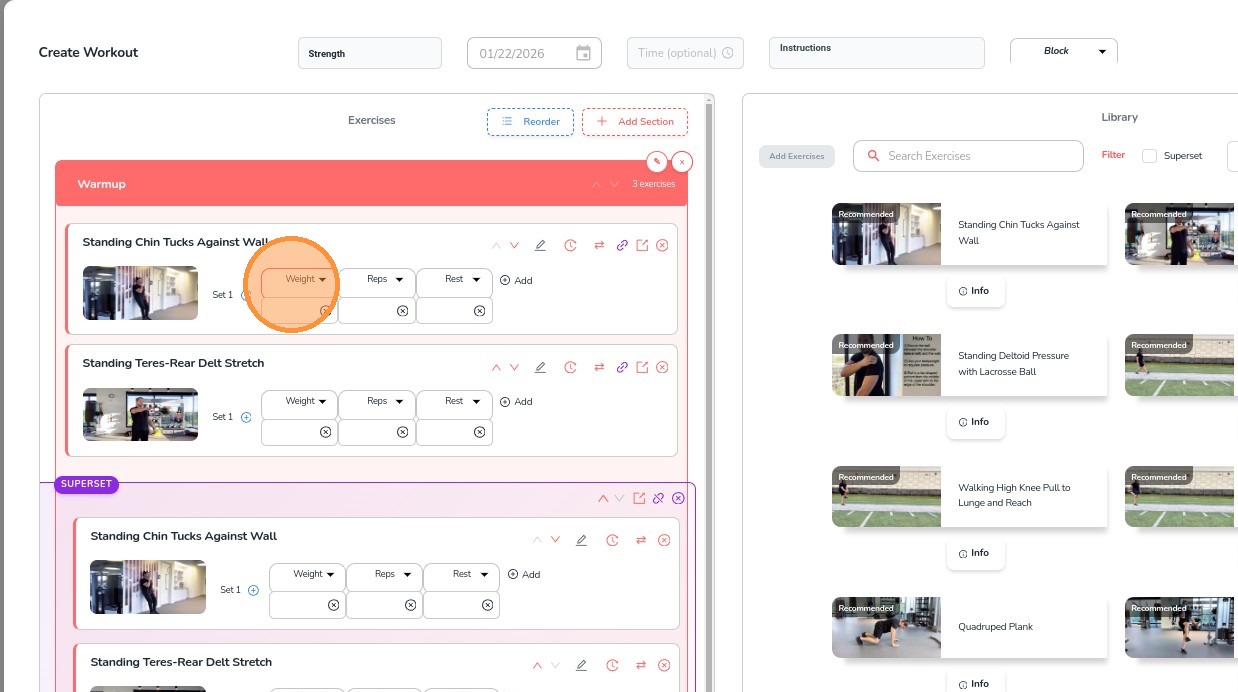
15. Add additional params such as reps, time and rest
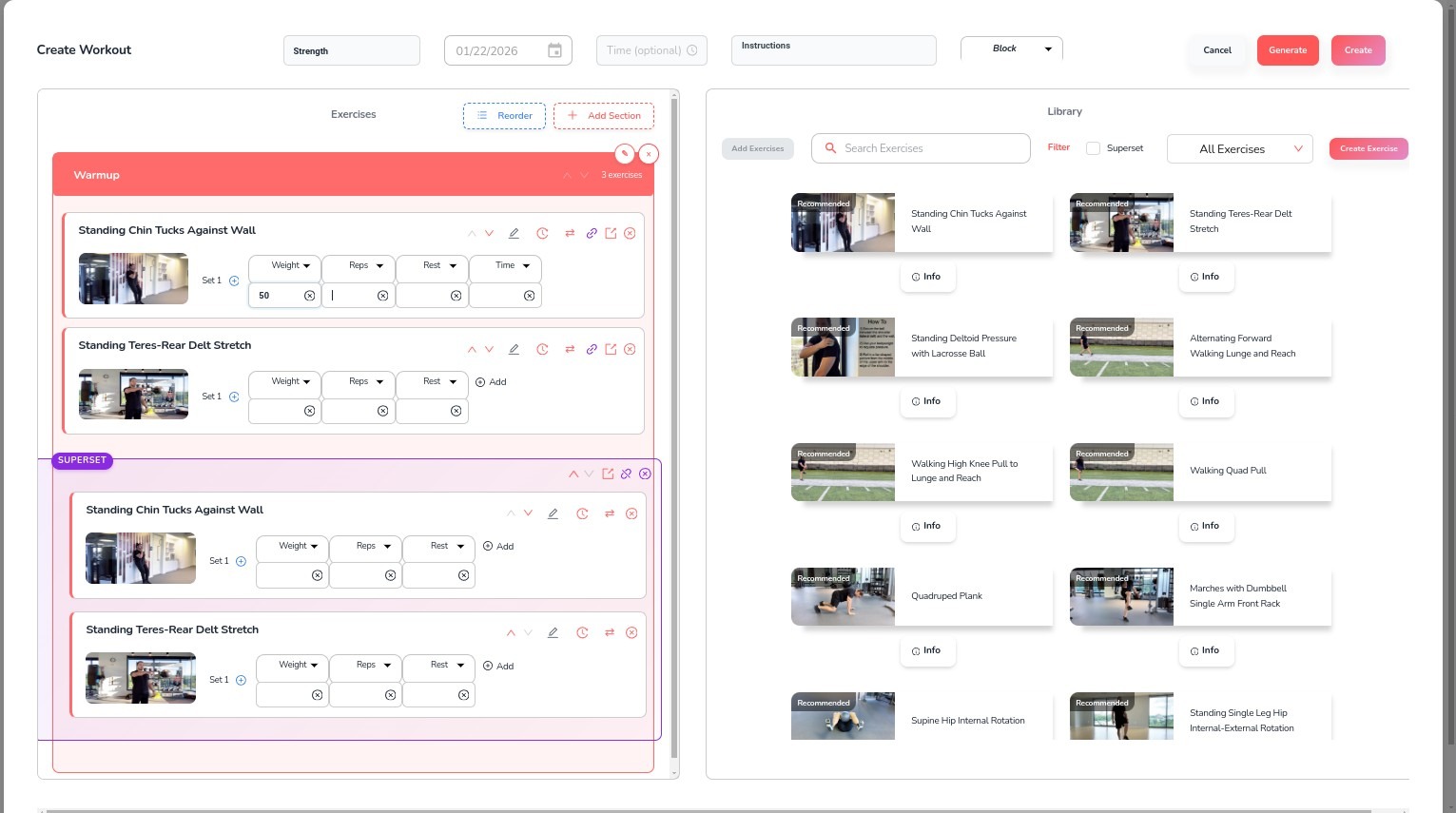
16. Add in the values for each box
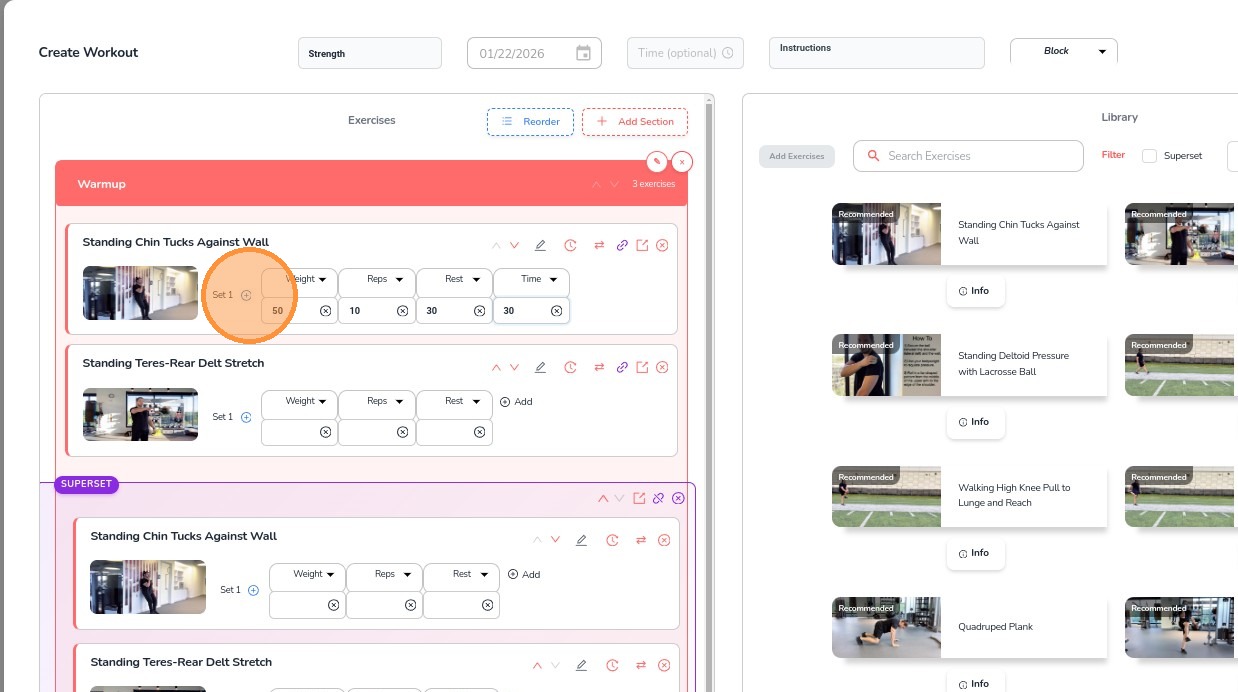
17. Click the + button to add additional sets
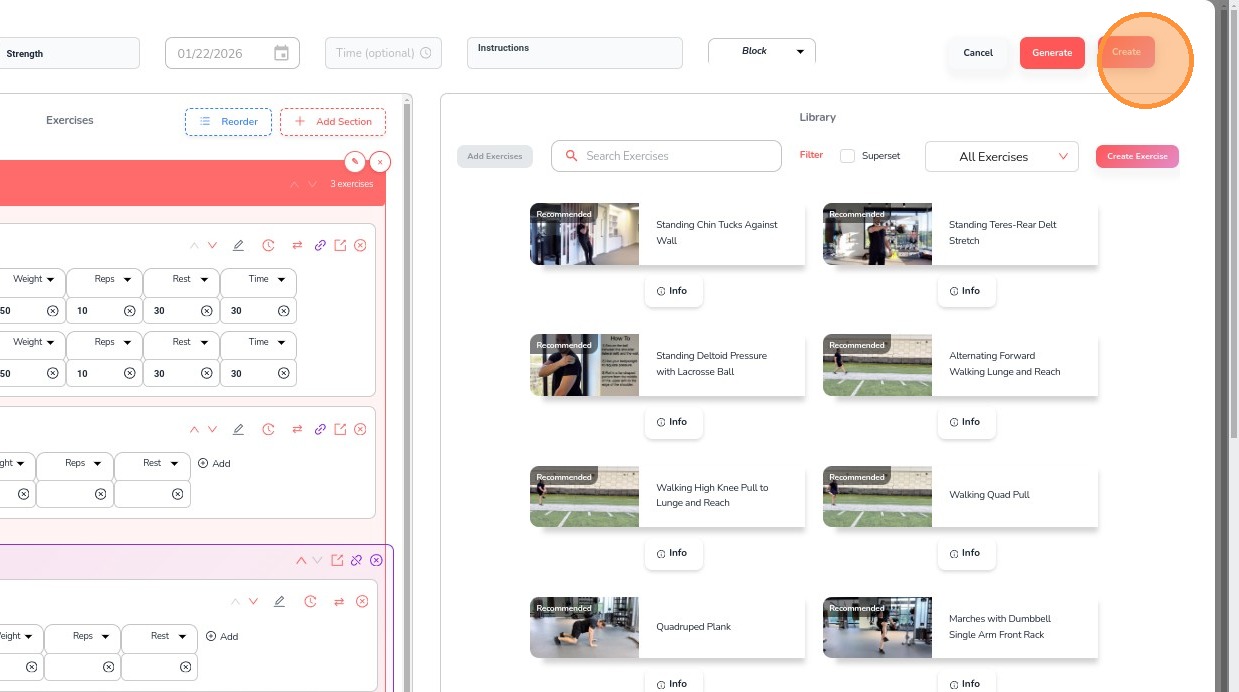
18. Once all exercises are added, click Create
19. To view a created workout, select the date on the calendar
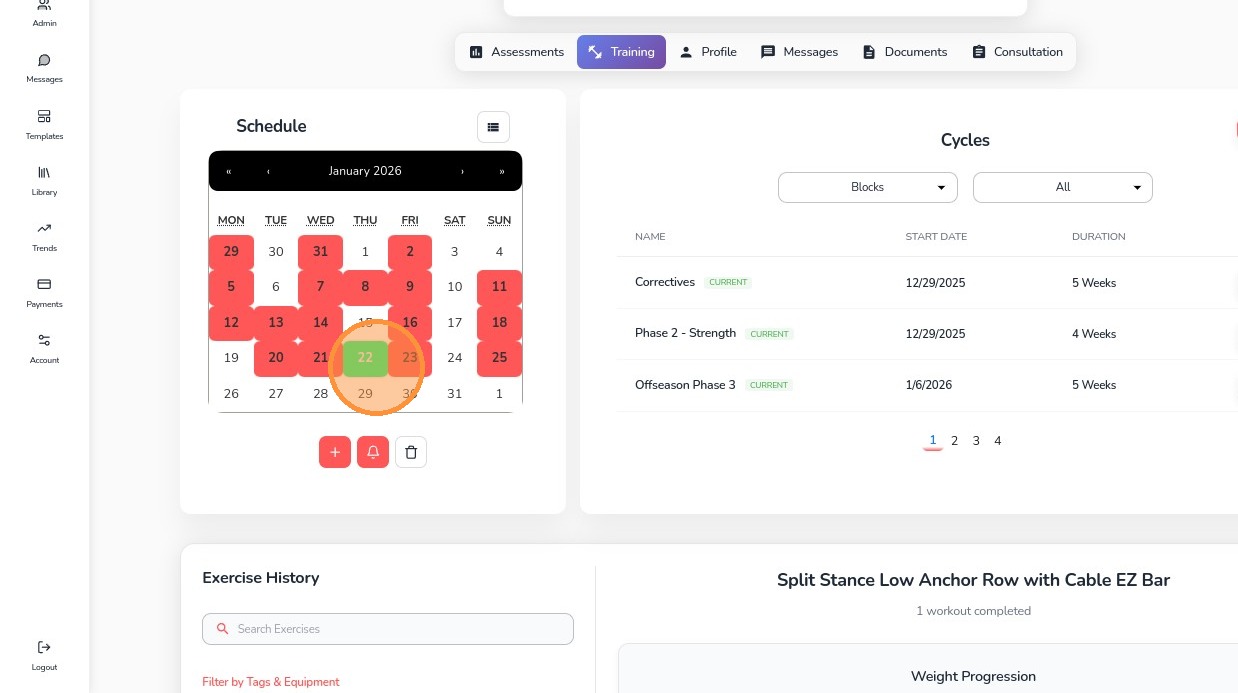
20. View the workout details